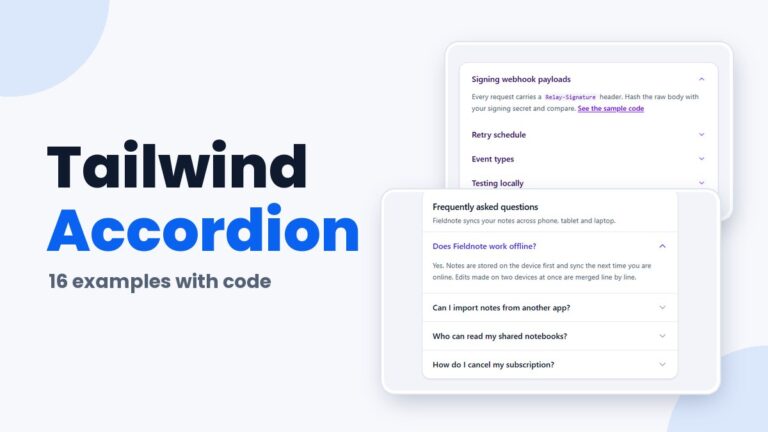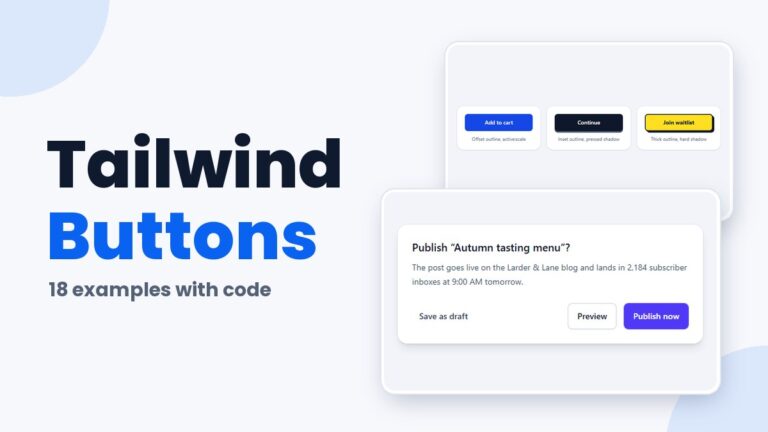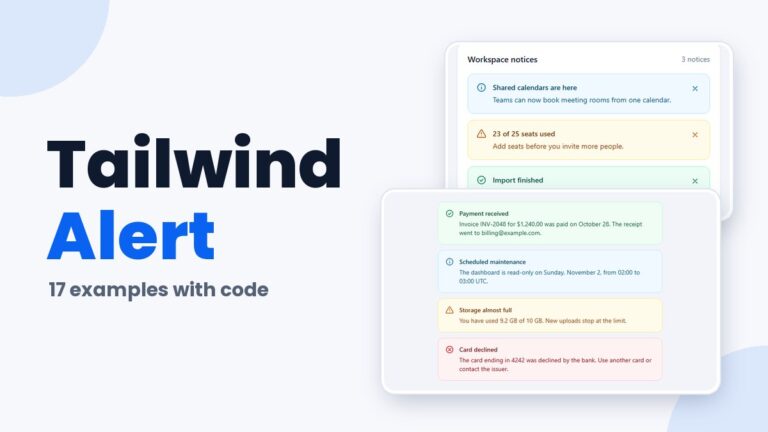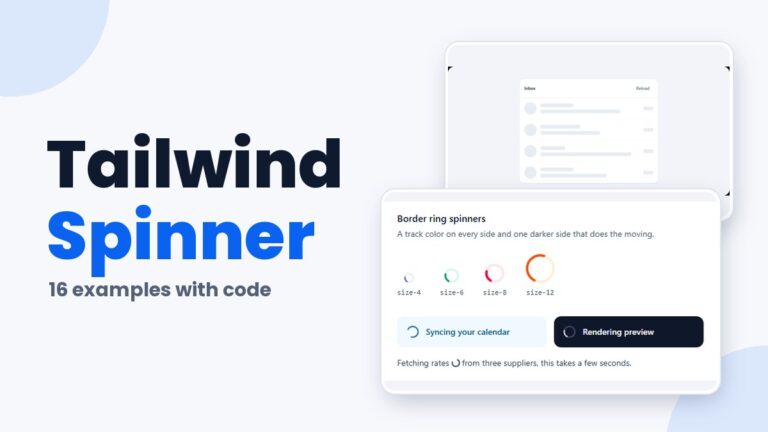
Tailwind Examples: 430+ Live Demos Across 27 Pages

Every page below is a collection of live Tailwind CSS demos you can try in the browser and copy into your own project. That is 438 examples across 27 pages, from navbars and modals to forms, dashboards and charts.

The pages are grouped by what you are building. Search by name or technique, or jump to a group.

By Bogdan Sandu ยท Updated October 29, 2026

Page sections and app layouts

5 pages

Navbars, heroes, sidebars, footers and full dashboards that reflow from phone to desktop.

Forms and inputs

8 pages

Form controls on native elements, styled with utilities and validated with user-invalid.

Cards, lists, tables and charts

5 pages

Ways to show content and data, from card grids to accessible charts in plain SVG.
Overlays, menus and disclosure

5 pages

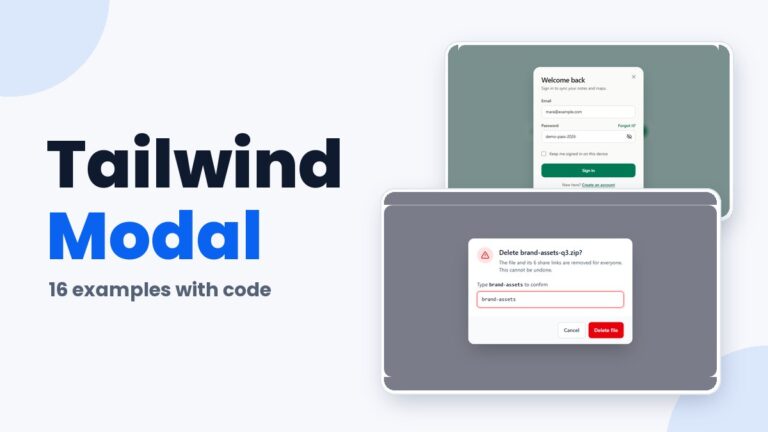
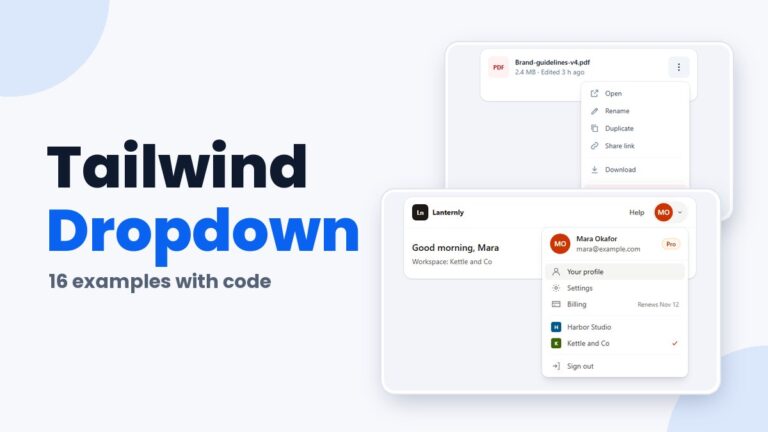
Dialogs, popovers and panels on native elements: dialog, details and the Popover API.

Buttons and feedback

4 pages

Actions and the states that answer them: buttons, alerts, loaders and progress.

How these Tailwind examples are built

Every demo is built with Tailwind CSS v4.3 and compiled with the official Tailwind CLI, so each page ships only the utilities its demos use. Each demo renders in its own sandboxed frame, so you see exactly what the classes produce, with no theme styles leaking in. Click, type and tab through a demo, then copy its HTML, CSS and JavaScript from the panel underneath.

The demos follow the same rules across all pages:

  • Utilities first: variants such as hover, focus-visible, peer, group, has and aria do the work, and custom CSS only covers what utilities cannot express.
  • Native elements before scripts: dialog, details, the Popover API and real form controls, with a little vanilla JavaScript only where the pattern needs it. No plugins and no component libraries.
  • Keyboard and screen reader support: labels on every field, the ARIA states the pattern calls for and visible focus styles.
  • Every demo is checked at phone width, dark variants follow a .dark class, and custom motion sits behind motion-safe.

After the demos, each page has a guide to the utilities, browser support and accessibility details behind them. Prefer a framework with ready-made components? The Bootstrap examples cover similar patterns, and the CSS examples do it in plain CSS.