Figma Resources
81 articles

Most files I open have three or four buttons that look identical and share nothing. Same blue, same 8 pixel radius, same label. Somebody…

Select a group, press Ctrl+Shift+G, and the wrapper is gone. The layers that were sitting inside it stay exactly where they were, same coordinates,…

Figma Design has no table tool. There’s a frame tool, a rectangle, a text tool, and then nothing that draws a grid of cells…

Figma keeps the conversation inside the file. You can type a message that trails your cursor, pin a comment to a frame, or open…

Figma handles superscript through a dropdown called Position, sitting inside the Details tab of the type settings panel. Select a character, pick Superscript, and…

Figma handles image export on its own. Select a frame, layer, or page, choose a format, and you get a PNG, JPG, SVG, or…

The setting that controls this lives in Figma’s Share prototype panel. Not a plugin, not an export, not a third party viewer. What you’re…

html Deleting something in Figma is one keystroke. The tricky part is being sure the thing you clicked is the main component and not…

What Is Figma The tool itself is a browser-based interface design and prototyping app. Nothing has to be installed unless you want the desktop…

A component is an element you build once and reuse everywhere. Figma keeps the original, called the main component, and every copy you drop…

The toggle sits next to the Share button in the top right. Click it and you’re back in Design Mode. That’s the whole answer…

The setting lives in the Prototype tab, inside a dropdown labeled Position. That’s the part that trips people up, because most designers go hunting…

Underlining in Figma runs through a single property called Decoration. It sits with the rest of the text settings, and it stopped being a…

Masks in Figma run backwards from what most people expect. The shape doing the clipping sits underneath whatever it clips, which is the exact…

html Every frame in Figma can hold auto layout. Switch it on and the frame starts managing its own contents, arranging them, spacing them,…

Blur in Figma lives in one place: the Effects panel on the right side of the screen. No toolbar icon, no filter menu, nothing…
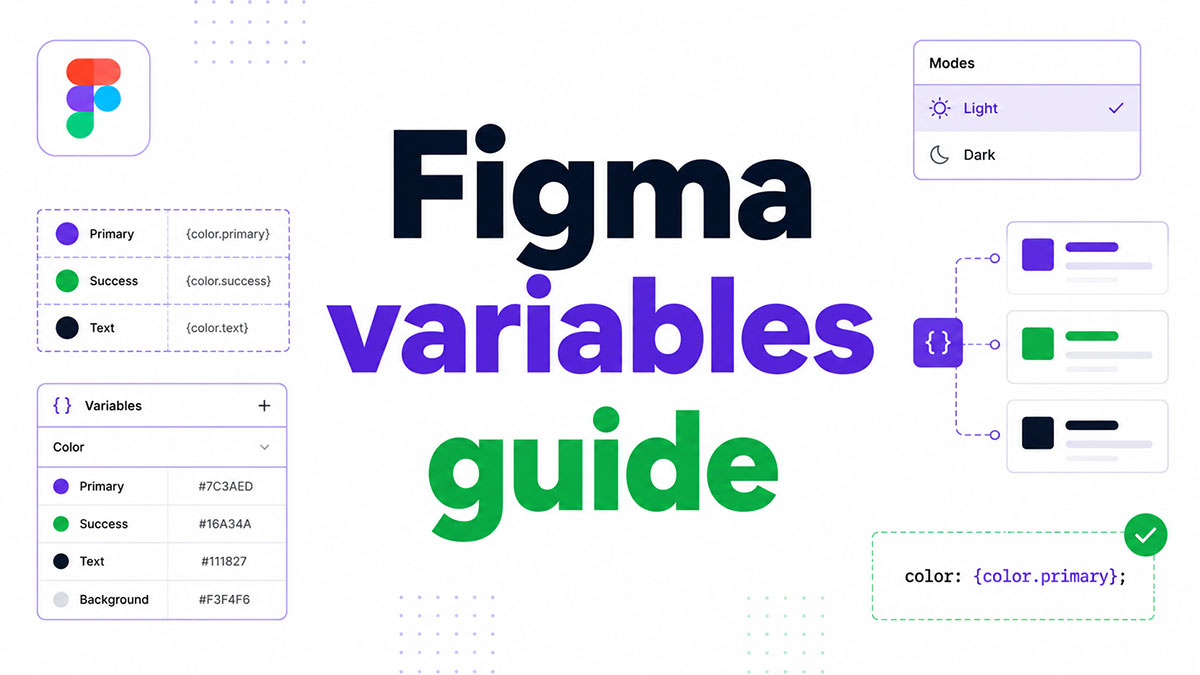
Most designers discover Figma variables mid-project, when manually updating 40 color values across 12 frames finally breaks them. This Figma variables guide covers everything…
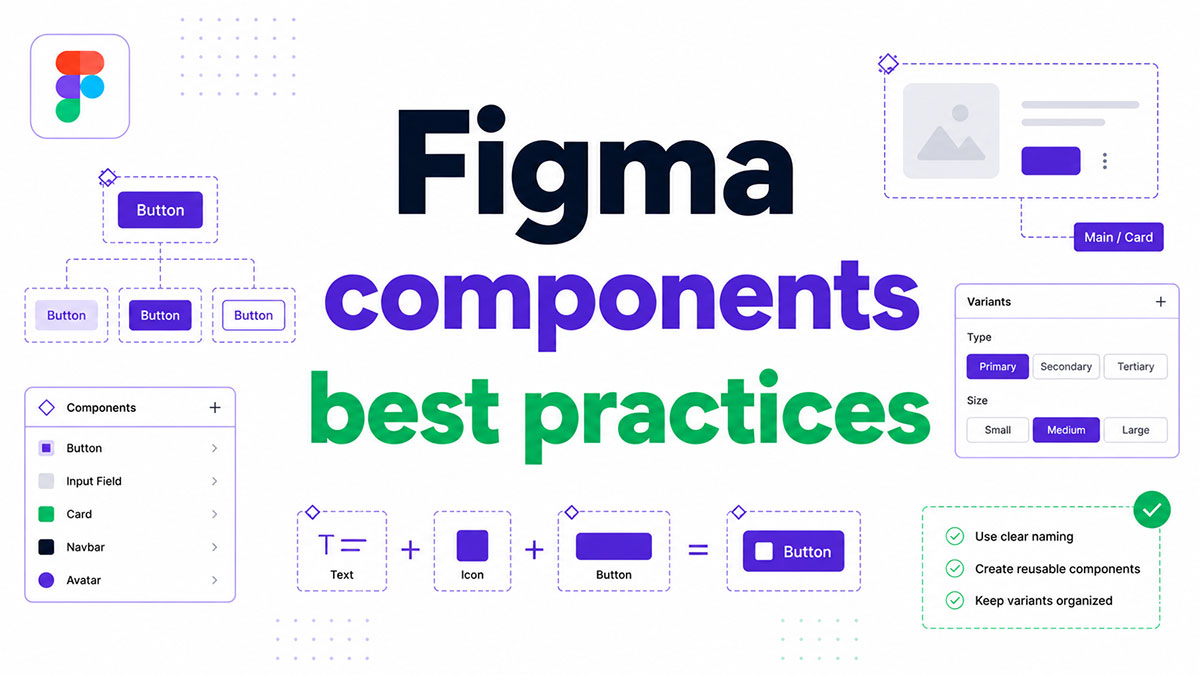
Most Figma files start clean. Six months later, the component library is a mess of detached instances, inconsistent naming, and duplicated states no one…
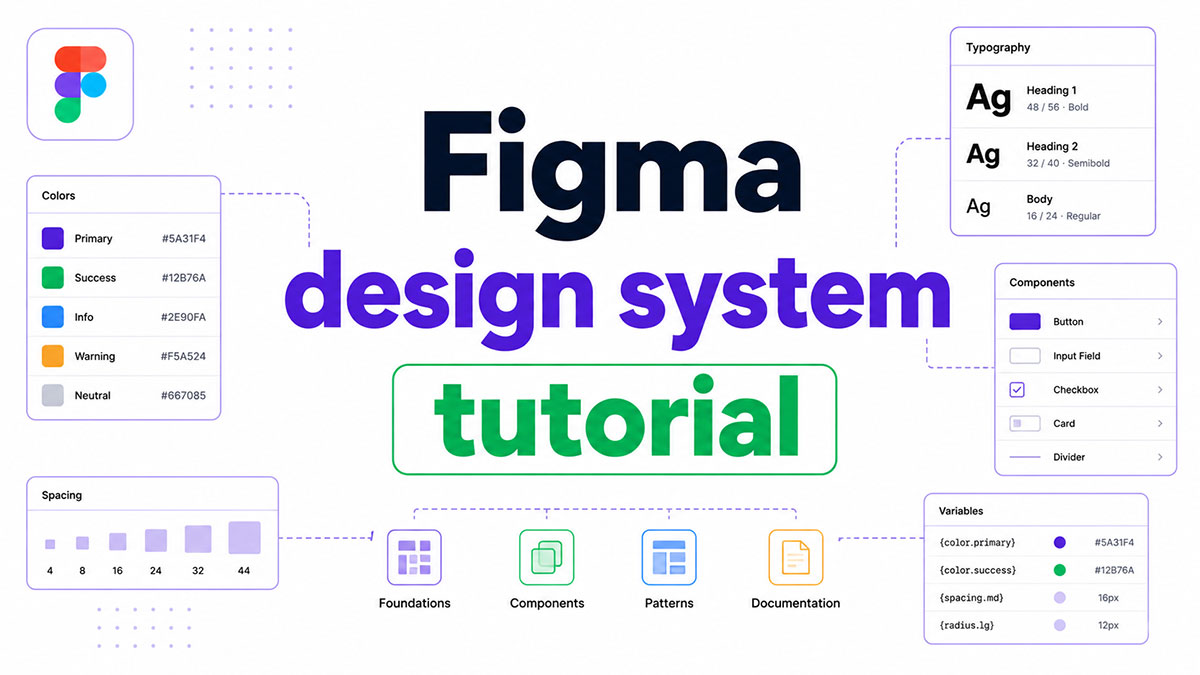
Most teams build the same components twice. Once in Figma, once in code, with no real connection between them. A well-built Figma design system…
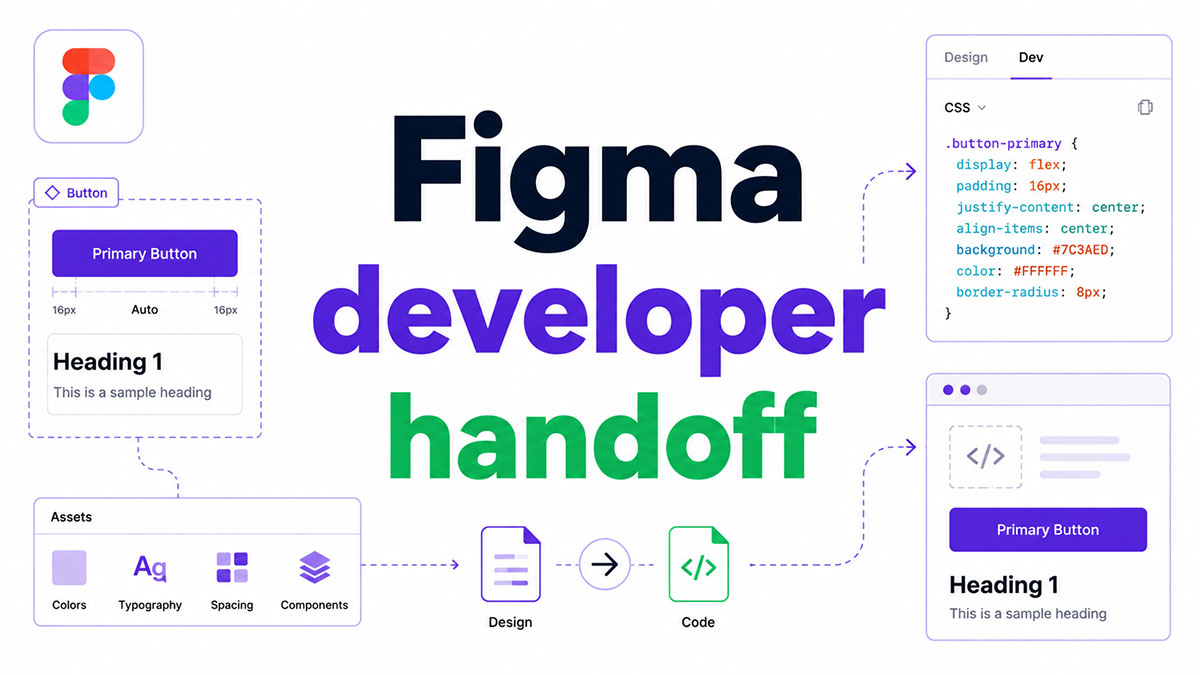
Most design-to-code workflows break at the same point: the moment a designer shares a Figma file and assumes the developer has everything they need.…

Most designers already know how to use Figma for client presentations. They just haven’t figured out why their client review workflow keeps breaking down.…

Most design handoffs break down not because the design is bad, but because developers lack the context to build it accurately. This Figma dev…

html Corner radius lives in the Design tab of Figma’s right sidebar, a few fields below fill and stroke. It rounds the spot where…
Figma has 13 million monthly active users and is used by 95% of Fortune 500 companies. Yet most designers start without paying a cent.…

Rotation in Figma is one number on a layer. Not a transform matrix, not a separate tool, just a field near the top of…

“Making a grid in Figma means picking between a layout guide and the Grid mode inside auto layout, renamed since May 2025.” Two separate…

There’s no carousel component in Figma. You fake one, either with an auto layout frame set to scroll horizontally, or with a stack of…

Open the Export panel in Figma, click the format dropdown, and you get PNG, JPG, SVG, PDF. No GIF. It isn’t a hidden setting…

html The gradient option sits one click away from the solid swatch in the Fill row, and most people never go looking for it.…

Most design tools still work the old way: you save a file, then send someone a copy of it. Figma dropped that step. The…