Resources
376 articles

Users abandon pages that leave them guessing. A progress bar fixes that. Tailwind CSS makes building these indicators fast. No custom stylesheets. No complex…

Your Wix site deserves a real web address, not a clunky subdomain. Learning how to connect a domain to Wix takes about 10 minutes…

Accordions solve a real problem: too much content, not enough space. These collapsible panels let users reveal information on demand without overwhelming the interface.…

A sidebar can make or break your web app’s user experience. Get it right and users flow through your content effortlessly. Get it wrong…

The open list on a select element stayed out of CSS reach for a long time. Chrome 135 changed that when it went stable…

Cards are everywhere. Product grids, testimonials, pricing tables, user profiles. Building them with Tailwind card examples gives you complete control over every pixel without…

Most 3D buttons on the web are a single element with a solid shadow underneath it. A zero-blur box-shadow acts as the bottom edge,…
You’ll find code snippets for React, Vue, and Angular. Comparison tables against Font Awesome and Material Icons. Accessibility patterns that pass WCAG audits. Whether…
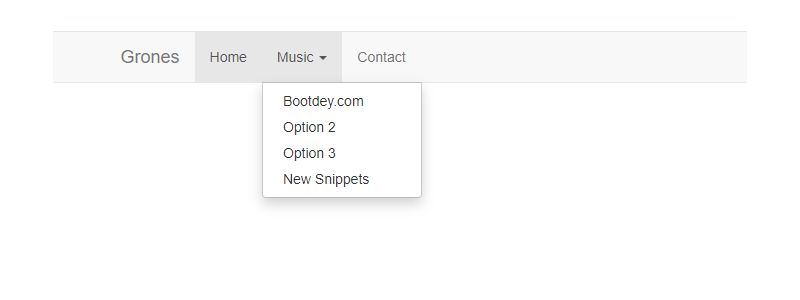
Dropdowns break or make your site’s navigation. Get them wrong, and users leave frustrated. These Bootstrap dropdown examples show you exactly how to build…
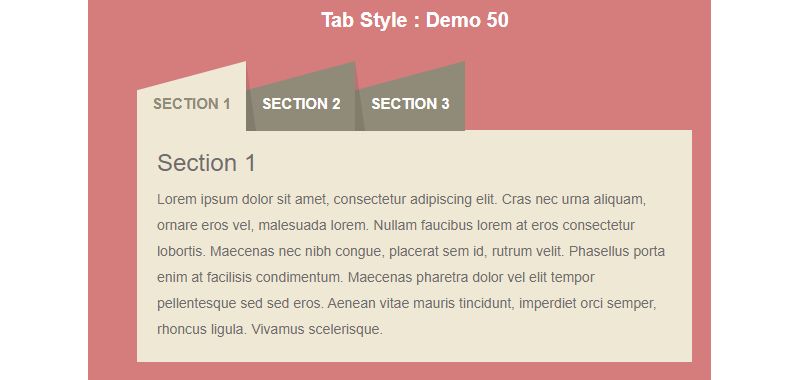
Tabs keep interfaces clean. Instead of cramming everything onto one screen, you split content into logical sections users can switch between. These Bootstrap tabs…

Lists appear on every website. Navigation menus, feature highlights, pricing breakdowns, step-by-step guides. They structure content and guide users through information. Yet styling them…

Most people restyle the border first when they style a CSS input text field, which is also the point where accessibility rules start to…

Every web application needs a way to grab user attention without leaving the page. Bootstrap modal examples show you exactly how to create dialog boxes,…
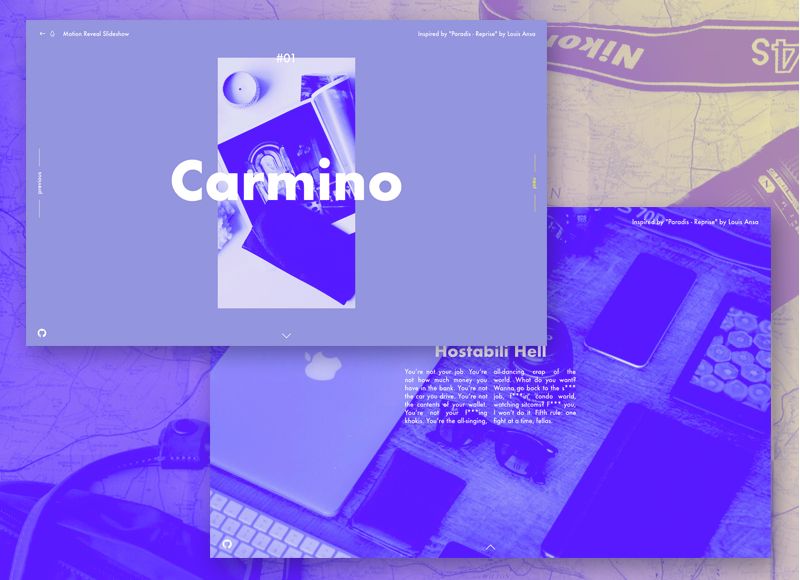
Static hero sections don’t cut it anymore. Users expect movement, interaction, and content that cycles without endless scrolling. That’s where Bootstrap carousel examples come…

This guide covers practical form components you can use immediately. Login forms, registration forms, contact forms, checkout layouts, and newsletter signups. You’ll learn how…

Building a navbar from scratch takes time. Tailwind navbar examples cut that time dramatically. Tailwind CSS lets you build responsive navigation components using utility…

Plenty of image galleries need nothing more than a list of images and a stylesheet. Grid, Flexbox or multi-column layout arranges the photos in…
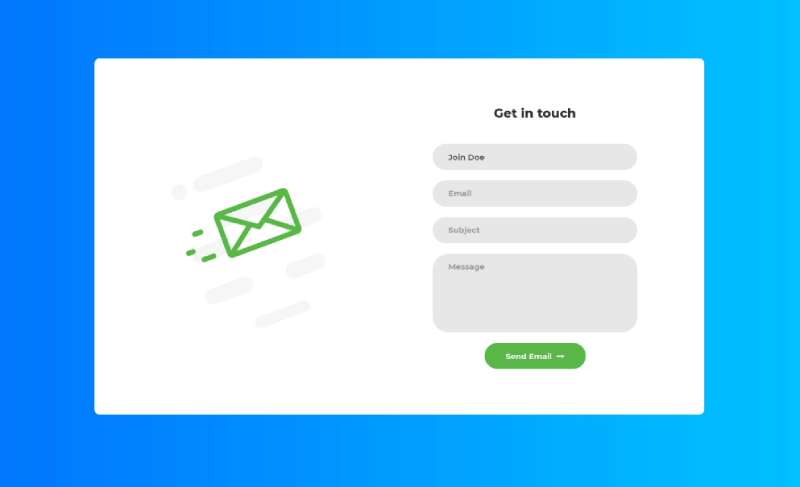
Forms can make or break your web application. Clunky inputs, broken validation, inconsistent styling across browsers. We’ve all been there. Bootstrap form examples solve these…

Buttons make or break your interface. They’re the primary way users interact with your site. These Tailwind button examples show you exactly how to…

Cards changed how developers build content layouts. Gone are the days of hacking together panels and thumbnails. These Bootstrap cards examples show you exactly…

Frosted navigation bars and soft hero backgrounds both come down to the same function, blur(). Modals use it too, usually on the overlay. Where…

A search bar can make or break your site’s usability. Get it wrong and users leave. Tailwind CSS gives you utility-first control over every…

Tables remain one of the trickiest elements to style consistently across browsers. Raw HTML tables look dated and break on mobile screens. Bootstrap tables…

New York has always been a global center for innovation, finance, and technology. But in 2025, it’s also become one of the hottest hubs…
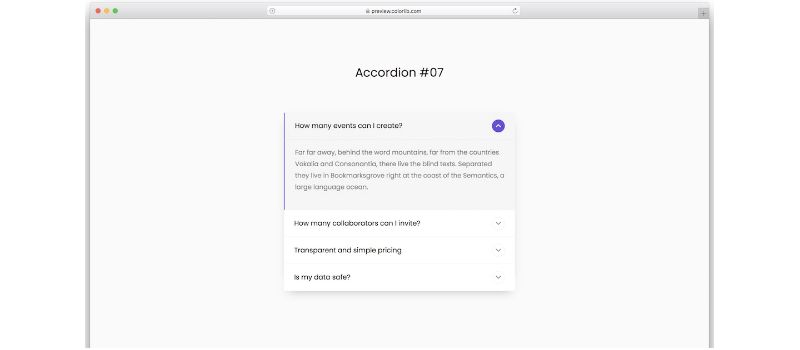
Collapsible content saves screen space. It keeps interfaces clean while letting users access detailed information on demand. Bootstrap accordion examples show you exactly how…
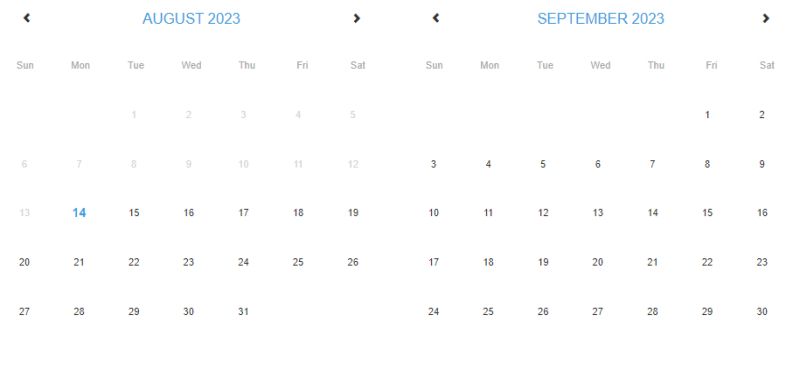
Date selection breaks forms. Users abandon checkouts, booking systems fail, and support tickets pile up. A well-implemented Bootstrap datepicker fixes this. The jQuery plugin…

Most CSS pagination starts with a nav element full of anchors, and the stylesheet handles layout, link states, spacing and small-screen behavior. You see…
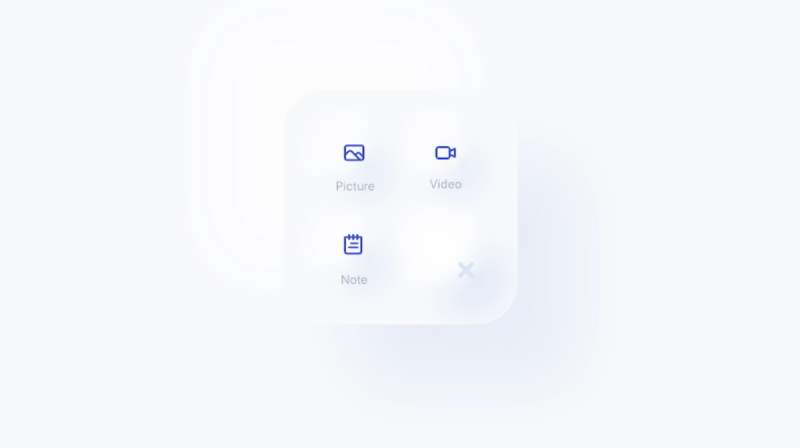
Soft UI buttons and toggles, the ones that look raised out of the page or pushed into it, come down to a small amount…
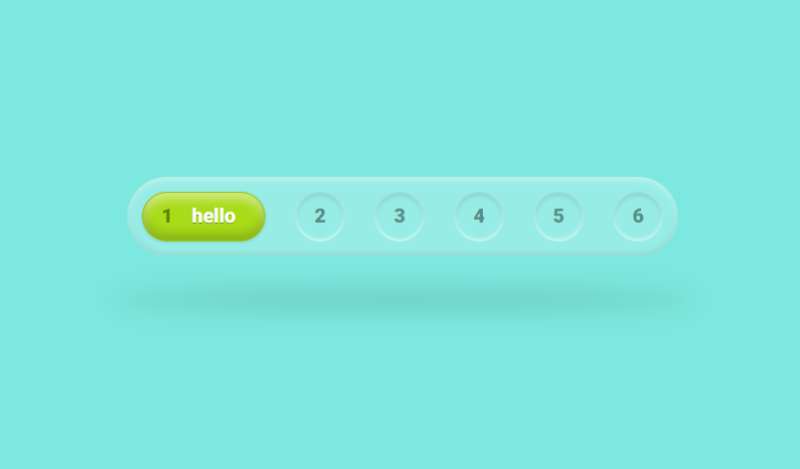
Your navigation bar makes or breaks the first impression. Visitors decide in seconds whether your site feels professional or amateur. Bootstrap navbar examples give…
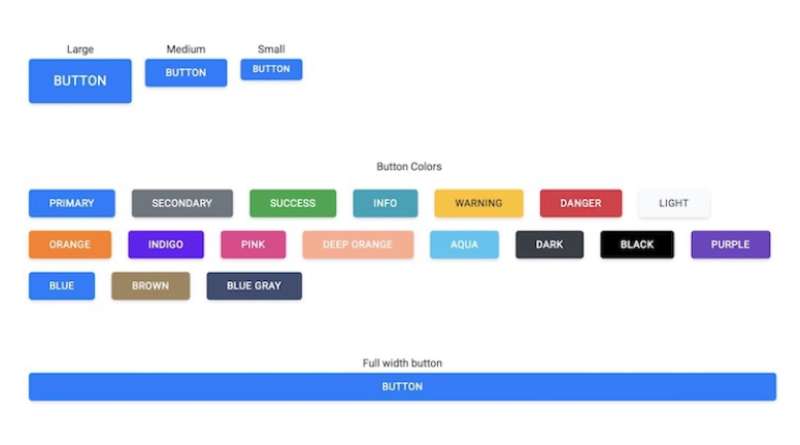
Buttons make or break your interface. Poorly styled buttons confuse users, kill conversions, and make your site look amateur. Bootstrap button examples give you…