Resources
253 articles
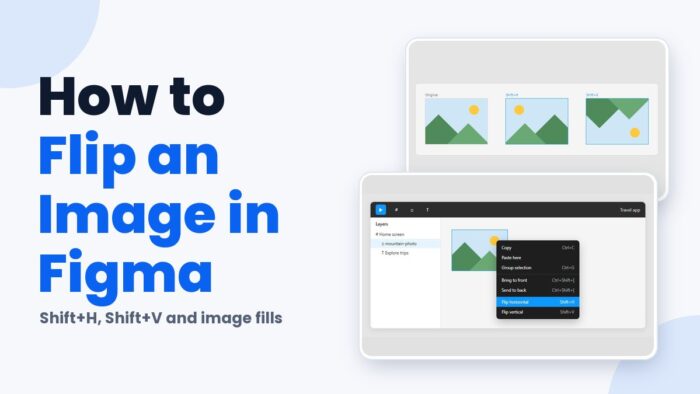
Shift+H flips the selected layer left to right in Figma, and Shift+V flips it top to bottom. The keys are the same on Mac…

Press C, click the spot on the canvas you want to discuss, type the message and send it. That is how to comment in…
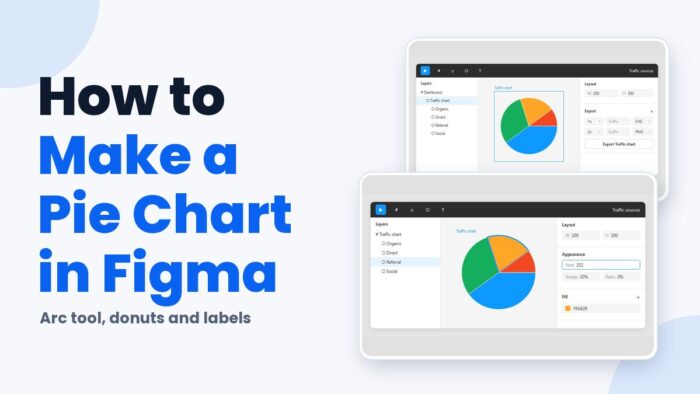
Figma has no native chart tool, so a pie chart starts with an ellipse and its arc controls. Sweep sets how big each slice…
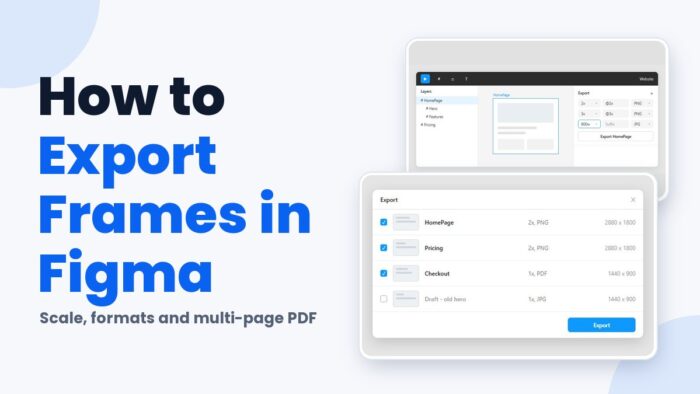
Select the frame, click the plus in the Export section of the right sidebar, pick PNG, JPG, SVG or PDF with a scale, and…
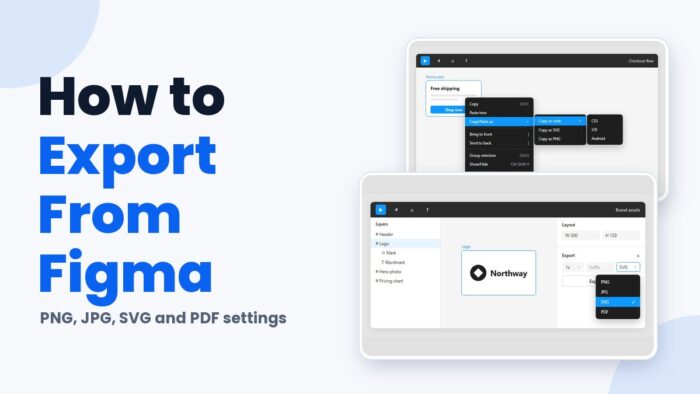
Figma exports start in the right sidebar. Select a layer, frame, section or slice, add an export configuration in the Export section, choose PNG,…
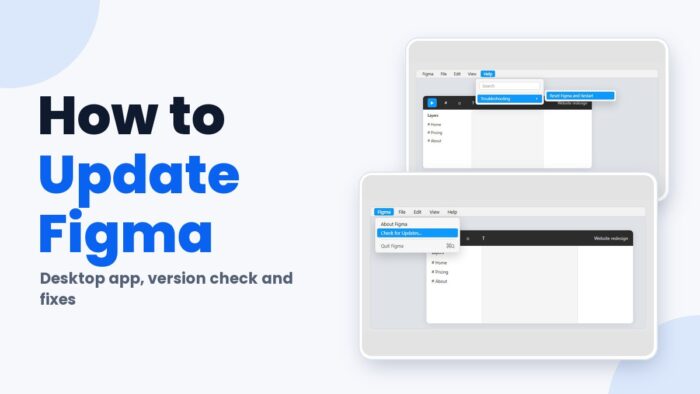
On a Mac or Windows PC, open the app menu, pick Check for Updates… and hit Install now when the prompt shows up. The…
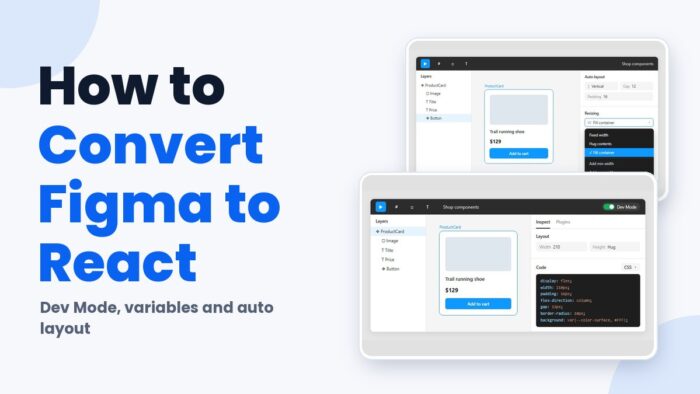
Converting Figma to React comes down to one mapping. Frames become components and variant properties become props, while Figma variables go into the codebase…
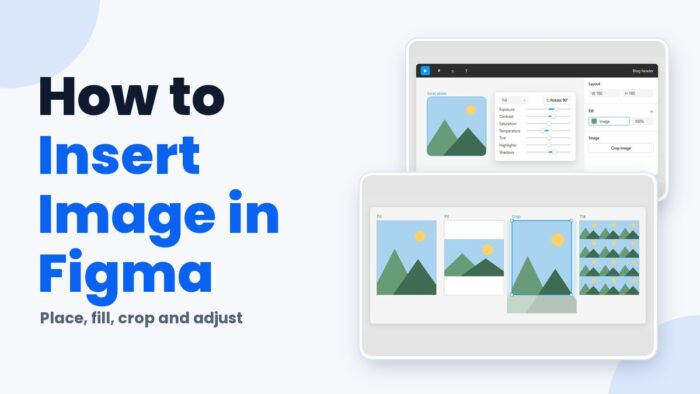
The fastest way to get an image into Figma is Shift + Command + K on Mac or Shift + Ctrl + K on…
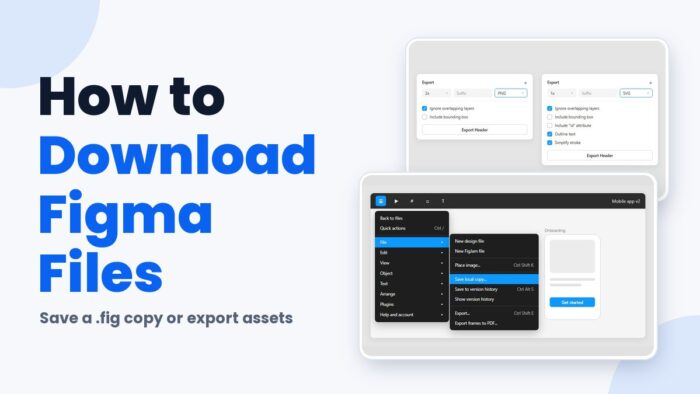
Which download you want depends on whether the design stays in Figma. Save local copy produces an editable .fig file, while the Export section…
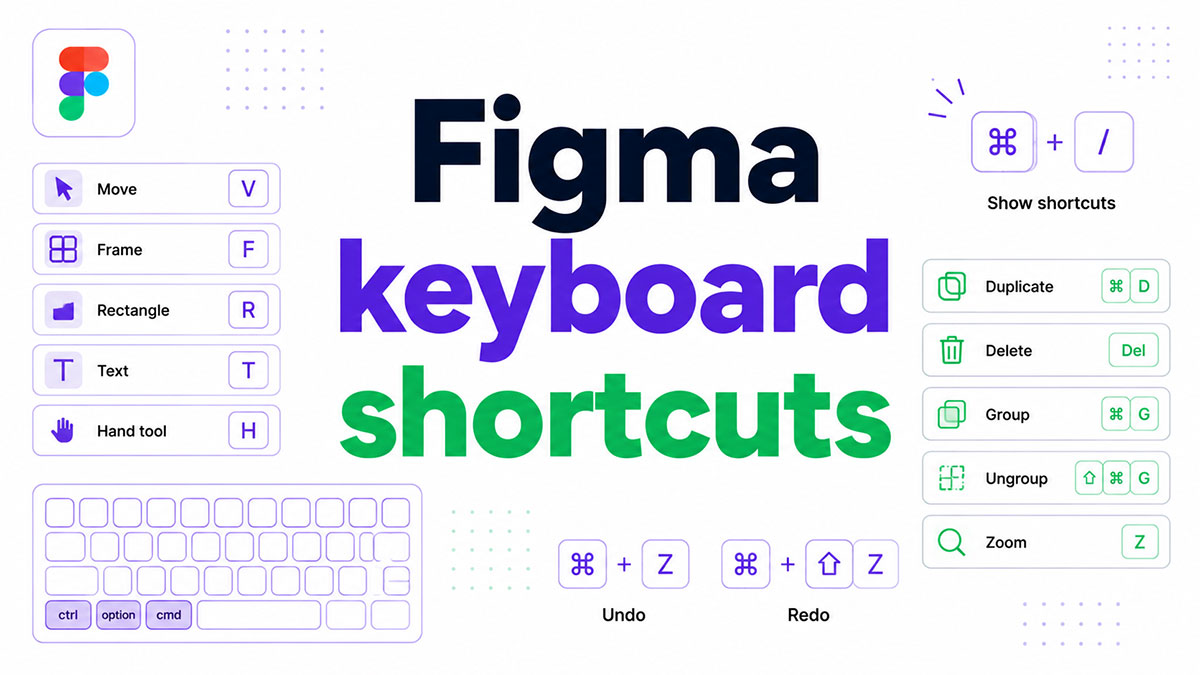
Figma’s keyboard shortcuts work in Figma Design and FigJam files, according to the Figma Help Center. They handle tool switching, layer edits, layout, components…

Most files I open have three or four buttons that look identical and share nothing. Same blue, same 8 pixel radius, same label. Somebody…

Select a group, press Ctrl+Shift+G, and the wrapper is gone. The layers that were sitting inside it stay exactly where they were, same coordinates,…

Figma Design has no table tool. There’s a frame tool, a rectangle, a text tool, and then nothing that draws a grid of cells…

Figma keeps the conversation inside the file. You can type a message that trails your cursor, pin a comment to a frame, or open…

Figma handles superscript through a dropdown called Position, sitting inside the Details tab of the type settings panel. Select a character, pick Superscript, and…

Use our PX to REM converter to easily switch between pixel and REM units for responsive web design. Simplify your CSS font sizing today.…

Easily convert REM to PX with our online REM to PX Converter. Perfect for web designers and developers looking to ensure responsive and accessible…

Figma handles image export on its own. Select a frame, layer, or page, choose a format, and you get a PNG, JPG, SVG, or…

The setting that controls this lives in Figma’s Share prototype panel. Not a plugin, not an export, not a third party viewer. What you’re…

html Deleting something in Figma is one keystroke. The tricky part is being sure the thing you clicked is the main component and not…

What Is Figma The tool itself is a browser-based interface design and prototyping app. Nothing has to be installed unless you want the desktop…

A component is an element you build once and reuse everywhere. Figma keeps the original, called the main component, and every copy you drop…
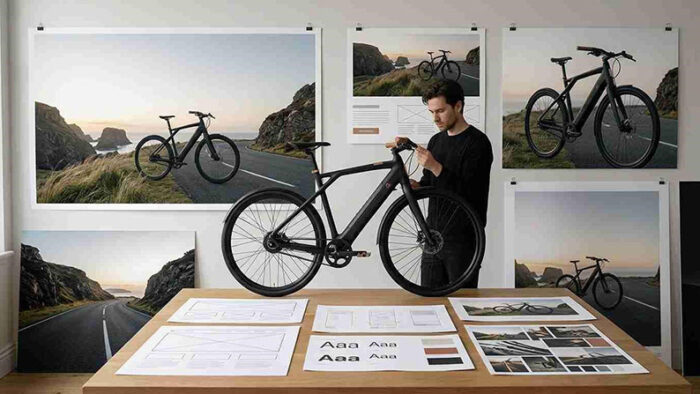
Every web designer knows the moment. The layout is finished, the typography is dialed in, and the client loves everything except the hero image,…

The toggle sits next to the Share button in the top right. Click it and you’re back in Design Mode. That’s the whole answer…

The setting lives in the Prototype tab, inside a dropdown labeled Position. That’s the part that trips people up, because most designers go hunting…

Underlining in Figma runs through a single property called Decoration. It sits with the rest of the text settings, and it stopped being a…

Masks in Figma run backwards from what most people expect. The shape doing the clipping sits underneath whatever it clips, which is the exact…

PMI’s 2025 Pulse of the Profession found that roughly 1 in 5 enterprise IT projects still fail to meet their business goals. Standish Group…

html Every frame in Figma can hold auto layout. Switch it on and the frame starts managing its own contents, arranging them, spacing them,…

Blur in Figma lives in one place: the Effects panel on the right side of the screen. No toolbar icon, no filter menu, nothing…