A resume built in HTML and CSS opens in any browser and prints to PDF. The same file can also go online as a web page.
The free templates out there differ mostly on license (MIT, Apache-2.0 or CC BY-NC-SA 4.0). Editing method and print support vary too.
Applicant tracking systems don’t agree on file types either. Lever and Workable accept an HTML resume. Greenhouse doesn’t, and its upload list (.doc, .docx, .pdf, .rtf, .txt) has no place for one (vendor documentation, October 2026).
So the PDF is what you submit by default, and the HTML page is the version you link to.
Which free HTML resume templates are worth using?
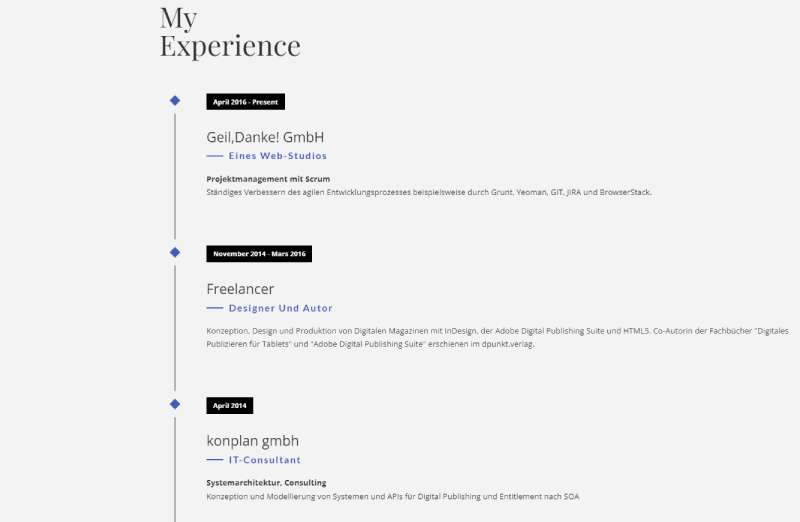
Most people end up choosing between a handful of open-source templates, and the license settles how far you can reuse any of them.
| Template | License | How you edit it | Print and PDF |
|---|---|---|---|
| Start Bootstrap Resume | MIT | HTML and CSS in dist, or rebuild from Pug and SCSS | Not covered in the README |
| Draco | CC BY-NC-SA 4.0 | HTML and SCSS, plus a PSD design file | Not covered in the README |
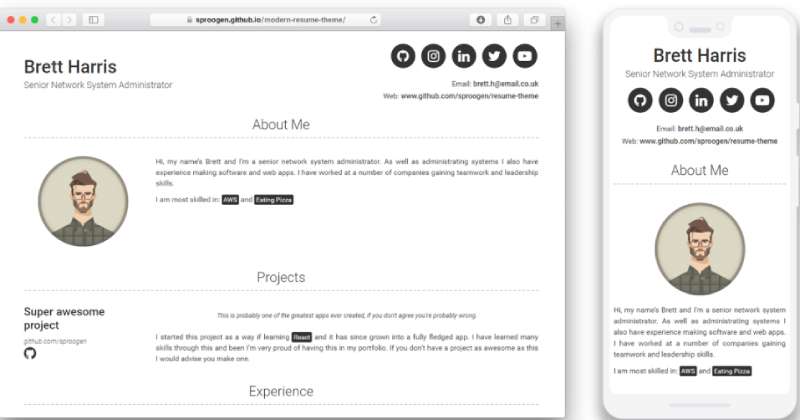
| modern-resume-theme | MIT | YAML in _config.yml (Jekyll) | Not covered in the README |
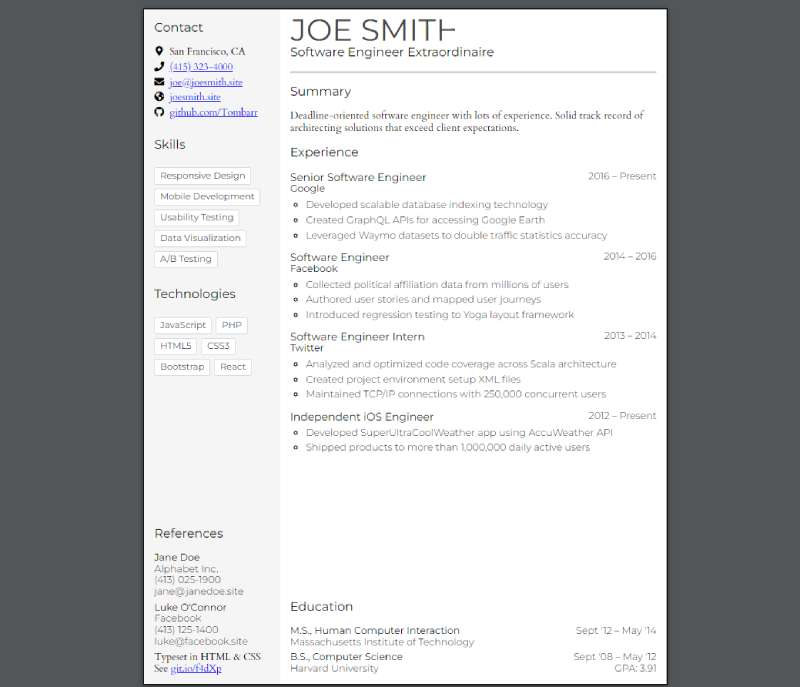
| Tombarr html-resume-template | Apache-2.0 | In the browser or in the files | Separate print.css, browser PDF export |
Draco is the only one that limits commercial use. Its CC BY-NC-SA 4.0 license (per the Draco README) rules out commercial reuse and requires share-alike. That’s no trouble for your own resume. If you wanted to build a paid resume service on those files, it would be.
Plain HTML and CSS templates
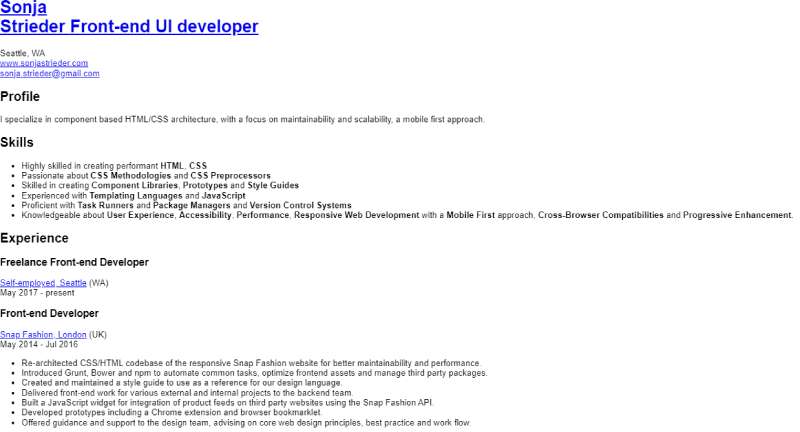
Tombarr’s editable template and BeyondCodeBootcamp’s html-resume don’t need any build tools, which is most of their appeal.
With Tombarr’s html-resume-template you edit one page right in the browser and export it to PDF. There’s no package manager involved, it autosaves as you type, and screen and print styles live in separate stylesheets. The weak spots are easy to spot too. The README reports testing on Chrome 67 and Firefox 61 only, and your edits sit in that browser’s localStorage, so saving may fail when localStorage is disabled.
BeyondCodeBootcamp’s html-resume (Apache-2.0) is vanilla HTML and CSS built for print-to-PDF. You edit index.html and style.css, with print rules in a separate print.css, and the README says it renders correctly in evergreen browsers since 2016. The catch is page size. It prints as US Letter in portrait, so anyone who needs A4 has to change that themselves.
Bootstrap and Jekyll templates
Start Bootstrap Resume has a fixed sidebar layout and an MIT license. It’s the one I’d look at first if you want a sidebar look without writing much CSS.
It ships Bootstrap 5.2.3 (v7.0.6), but the repository description still says Bootstrap 4. Check which version of the Bootstrap framework you’re on before you copy components from newer documentation. You can edit the HTML and CSS in the dist folder directly, or run npm install and then npm start to work from the Pug and SCSS source.
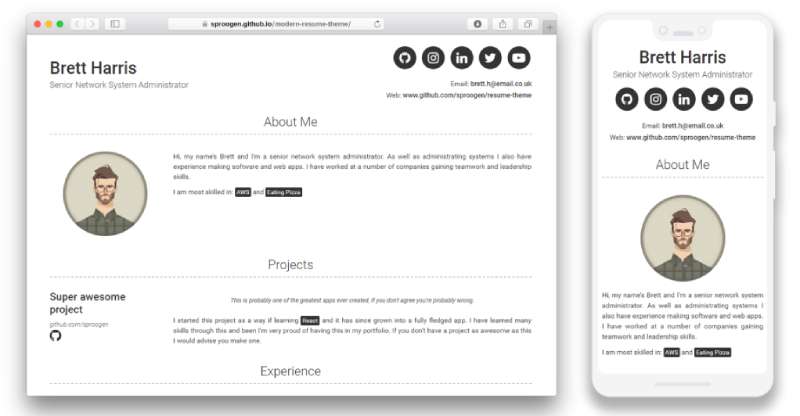
modern-resume-theme goes a different way. Jekyll builds the page from YAML in _config.yml, so you need Ruby and the Jekyll gems installed locally, and any config change means restarting the server. Dark mode comes as a config option.
Premium and multi-page templates
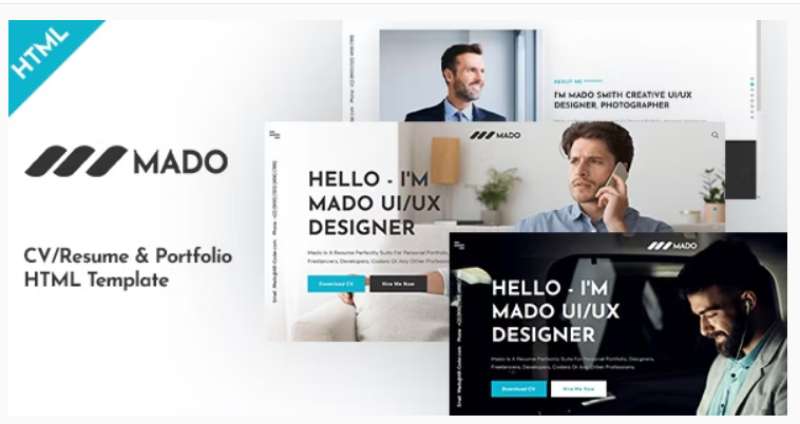
Premium sets trade a clean one-page print for extra sections.
Premium templates like Leven and Geek get sold on marketplaces such as ThemeForest, and Vertica sits in the same group. TemplateFlip’s free templates (Right Resume and Creative CV, for example) require a footer credit for free personal use and offer paid licenses without it. Speckyboy’s 2026 roundup describes Volos as a four-page design with an Ajax-loading portfolio section.
Four pages need heavy trimming before they print as one resume page, so start from a single-page template unless you want a full personal site.
Jotform’s roundup of free templates marks many as free for personal use only. Check that before you redistribute anything.
What does an HTML resume template contain?
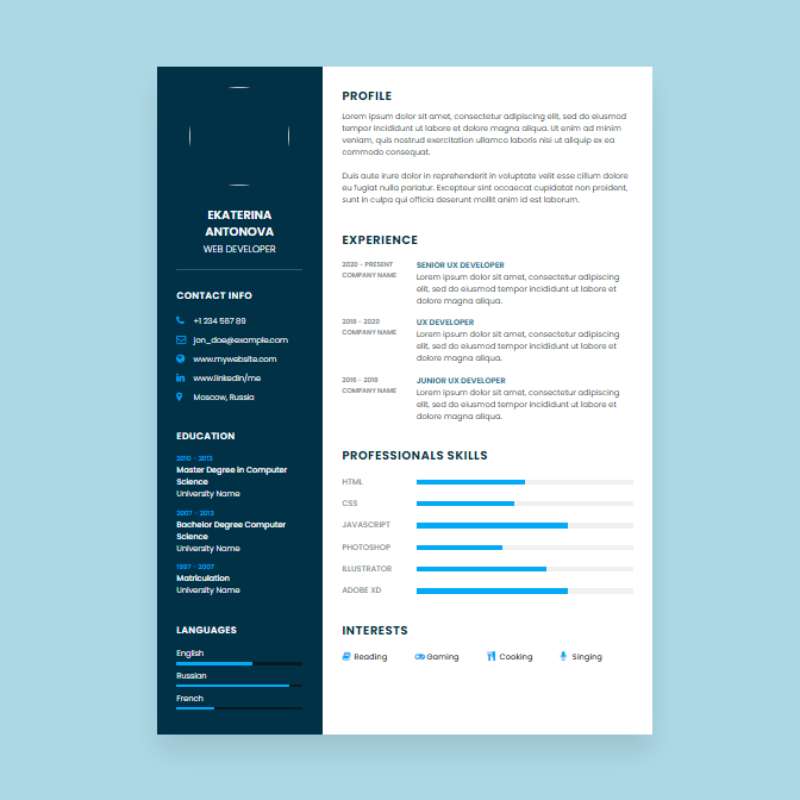
Most templates put the content in index.html and the screen and print styles in stylesheets. Fonts and images go in an assets folder.
Draco follows this pattern, with css, scss, js, fonts and img folders around a single index.html.
Files in the package
BeyondCodeBootcamp’s html-resume keeps things compact, with content in index.html, screen styles in style.css and print rules in print.css. Tombarr’s template splits the styles further into screen.css, print.css, paper.css and typography.css, so print rules get a file of their own. Start Bootstrap Resume separates src (Pug and SCSS) from dist, the folder you edit or publish.
Pick the compact style if you only need one resume. Split stylesheets earn their keep once you maintain a print version too.
Elements that structure each section
Job dates suit the time element. It has been widely available across browsers since October 2017 (MDN Web Docs, 2026), and its datetime attribute accepts month strings in the YYYY-MM format, which suits job date ranges.
Resume sections map cleanly onto semantic HTML elements. The now-cv generator shows the standard mapping, with h1 for the name, h2 for section titles and time for dates.
Wrap the name and contact details in a header. Give each block (experience, education, skills and so on) its own section, and keep achievement bullets in ul and li.
Skip layout tables and text baked into images. Icon fonts that replace contact labels are a problem too. Parsers and screen readers read text nodes, and all of these hide the text.
Run the finished file through the W3C Markup Validator before you publish. It flags unclosed tags and invalid nesting, the two mistakes that break a hand-edited template most often.
Single column or two columns for an HTML resume?
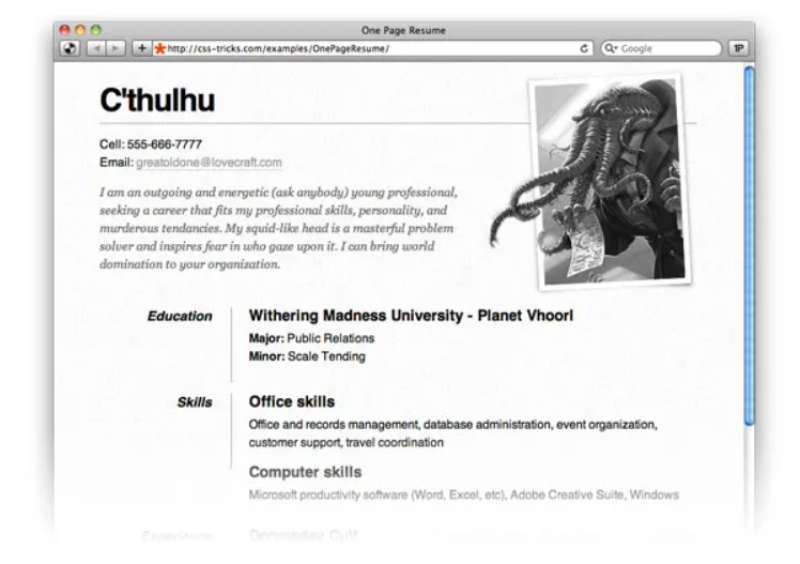
One column is the safer layout for a PDF going into an applicant tracking portal. Two columns work better on the web page, where a person is the one reading it.
CSS Grid and Flexbox place content visually without changing its order in the HTML. A sidebar can look right on screen and still come out in a different order when a parser or screen reader walks the source.
Single-column layouts keep reading order matched to visual order and make page breaks predictable. The now-cv generator and the mwangitau ATS templates both output single-column, semantic HTML.
A sidebar has its own appeal. Skills and contact details stay visible, and the layout suits a web page or portfolio hybrid. The cost is that text order can scramble when a portal extracts it.
Responsive behavior on small screens
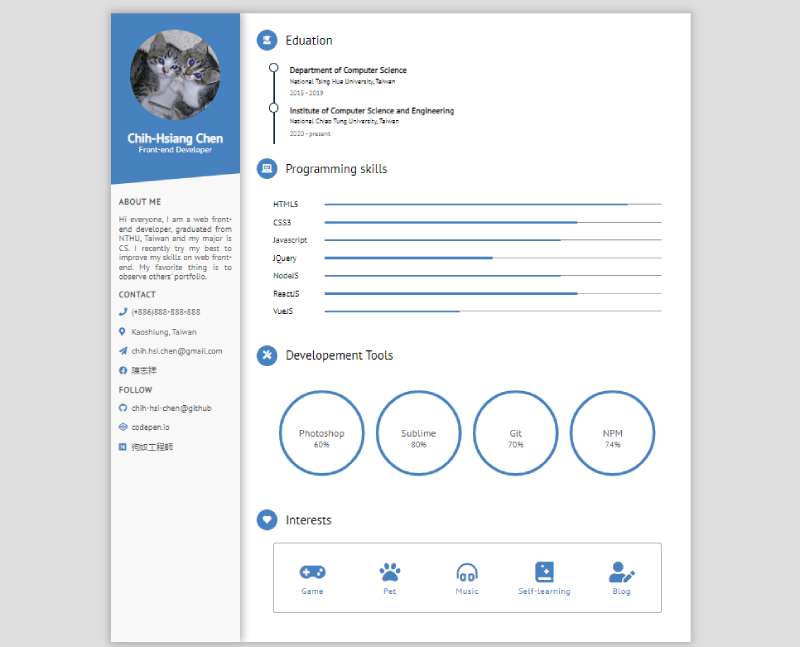
A sidebar template breaks first on phones.
It needs responsive design rules that stack the sidebar under the main column at narrow widths. Add the viewport meta tag, then set one breakpoint and test it on a real phone instead of trusting a resized desktop window.
Contrast, fonts and heading order
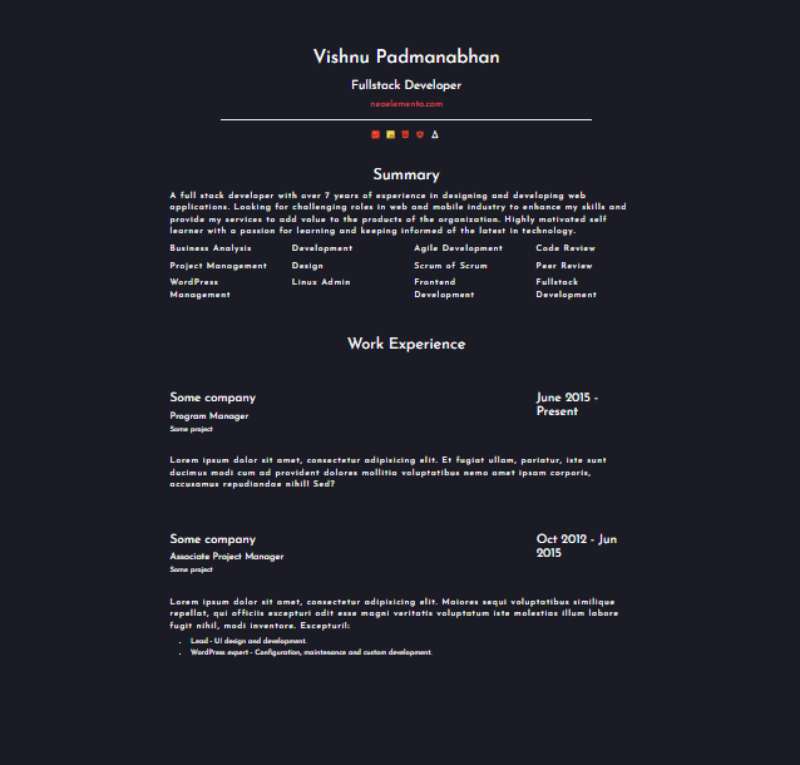
Colored sidebars are where contrast usually fails. WCAG 2.2 sets a 4.5:1 contrast ratio for normal text and 3:1 for large text (W3C, 2026), where large means 18 point, or 14 point bold.
Check the color contrast of every colored sidebar against its text. W3C also notes that thin fonts render fainter than their CSS color because of anti-aliasing, so a nominal pass on a light weight is not a safe pass.
Heading order is simple. One h1 for the name, an h2 for each section, and h3 only for job titles. Skipped levels confuse screen readers.
Fonts loaded from a CDN, as Tombarr’s template does with Google Fonts, can fail offline. Put a system font in the fallback stack, or host the files in the assets folder.
How to customize an HTML resume template
- Download the zip, clone the repo, or run npm i startbootstrap-resume for that template.
- Preview by opening index.html in a browser (open on macOS, xdg-open on Linux, start on Windows, per the BeyondCodeBootcamp README).
- Replace the sample text section by section in an editor such as VS Code with Prettier.
- Delete unused sections instead of hiding them.
- Change colors and fonts in one place.
- Validate the markup, then check print preview in Chrome, Firefox and Safari.
Declare colors and fonts once as custom properties on :root in your CSS. One change then restyles every section, and the print stylesheet reuses the same values.
The Jekyll template is the odd one out. modern-resume-theme takes its content from _config.yml, and the local server has to restart before config edits show.
Tombarr’s in-browser editor writes to localStorage as well, so save a copy of the HTML before you switch browsers or clear site data.
I’d skip the in-browser editor for a resume you plan to keep for years. A plain index.html in git is easier to diff and restore.
How to export an HTML resume to PDF
Open the browser print dialog and choose Save as PDF, after setting page size and margins in an @page rule and print-only styles in an @media print block.
A4 measures 210 x 297 mm and US Letter 8.5 x 11 in, so pick the one your employer’s region uses. now-cv builds A4 output, while BeyondCodeBootcamp html-resume targets US Letter in portrait.
Print rules that matter
Print styles sit inside print-only media queries, which keep the on-screen layout untouched.
- Set size and margin inside @page, for example A4 with a 15 mm margin
- A download button and any other screen-only element should be hidden
- Add print-color-adjust: exact so a colored sidebar keeps its background
- Keep vh and vw units out of @page, because MDN says the W3C is still working out how to handle them
If you designed the layout in pixels, convert the key widths from pixels to centimeters and check them against the 21 cm A4 page width.
The default print-color-adjust value is economy, which lets the browser drop background images and adjust text colors to save ink (MDN Web Docs, 2026). Browsers and user print settings can still override exact, so check the PDF itself.
Exporting from a script
now-cv treats HTML as the canonical output and produces the PDF through Puppeteer in A4, with selectable text rather than a rasterized page.
CVify takes a similar route with Python and Playwright, opening a print route in headless Chromium and returning a letter-size PDF. A canvas-based pipeline (html2canvas plus jsPDF, as one JSON Resume project uses) captures the page as an image first.
Whichever route you pick, press Ctrl+A in the PDF reader. If the text does not highlight, a parser cannot read it either.
A few dates and figures are worth keeping handy. @page works across the latest browsers since December 2024 (MDN Web Docs). print-color-adjust defaults to economy and has been available since May 2025 (MDN Web Docs). The descriptors that at least one browser implements in @page are size, margin and page-orientation (MDN Web Docs). On output, now-cv gives you A4 through Puppeteer, and BeyondCodeBootcamp html-resume gives you US Letter, portrait.
Will an HTML resume pass applicant tracking systems?
Not as an HTML file. Greenhouse’s supported upload list names .doc, .docx, .pdf, .rtf and .txt, so the exported PDF carries the application and the page stays your web version (as of Greenhouse Support, October 2026).
Other applicant tracking system (ATS) vendors disagree, so the upload field on each posting decides the format.
| Platform | HTML resume accepted | Documented in |
|---|---|---|
| Greenhouse | Not listed (.doc, .docx, .pdf, .rtf, .txt) | Greenhouse Support |
| Lever | Yes, HTML and MS Office HTML parse | Lever Help Center |
| Workable | Yes, .html is a listed resume type (alongside .pdf, .doc, .docx, .rtf and .odt) | Workable Help Center |
| Workday HiredScore | Not listed (DOC, DOCX, PDF, RTF, TXT) | Workday documentation, 2023 |
Lever and Workable parse HTML. The Greenhouse and Workday HiredScore documentation leaves it off the list of accepted formats. When the form is silent, the PDF is the safer default.
What breaks parsing in a template
Greenhouse cannot parse resumes larger than 2.5 MB, and its support article (updated March 2026) lists the layout features behind failed parses.
- Photos, graphics and word art cause failures, so drop the headshot and decorative icons from the print version
- Tables, headers and footers do too, which means no layout tables and no browser header and footer lines in the print dialog
- A name and contact details sitting in a box should become plain text at the top of the page flow
- Greenhouse names columned layouts as a known cause
- Unclear sections and mixed formats hurt, so use one h2 label per section and one date style throughout
- Abbreviated titles such as Sr. Account Exec should be spelled out as the full job title
A text-only PDF stays small. An embedded photo or a bundle of font files can push it past the limit, so check the file size before you upload.
Which file to send
Send the PDF for the application upload, unless the posting asks for another type. Put the page URL in the contact line as visible text. Paul Hammant’s 2025 write-up of a JSON Resume pipeline uses print media queries so link addresses stay readable on paper.
If the form takes documents only, send a PDF or DOCX and keep the URL in the contact line.
How to structure resume data with JSON Resume and schema.org
JSON Resume keeps all your resume content in one resume.json file, following an open JSON schema (the repository’s package version is 1.2.1, and many files still pin the v1.0.0 tag). schema.org Person markup sits on a separate layer, and it describes you to search engines.
Use the first to separate content from layout. Add the second only if the page is public.
JSON Resume: one data file, many outputs
The schema covers basics, work, volunteer, education, awards, certificates, publications, skills, languages, interests, references and projects. Dates are ISO 8601 strings with the month and day optional (2014-06-29 or 2023-04), which fits the datetime attribute covered earlier. It’s MIT licensed, and the schema is developed in the open on GitHub.
The schema defines data only. Print size, ATS-safe structure and accessibility depend on the theme, so test any theme against the checks in the sections above.
Hand-edited JSON breaks on a single missing comma. Run resume.json through a JSON beautifier before each commit.
Paul Hammant (2025) argues that embedding resume JSON inside the HTML would parse more reliably than PDF or DOCX extraction. None of the vendor documentation cited here mentions reading it, so treat the idea as a proposal, not a workflow.
schema.org Person markup
schema.org’s Person type describes an individual, and its properties map straight onto resume facts.
| Property | Value type | What to put on a resume page |
|---|---|---|
| name | Text | Full name |
| jobTitle | Text or DefinedTerm | Current title |
| sameAs | URL | LinkedIn, GitHub and other profiles that identify you |
| worksFor | Organization | Current employer |
| knowsAbout | Text, Thing or URL | Topics you cover |
schema.org says knowsAbout suggests possible expertise without implying it, so it signals topics, not skill levels.
Google’s ProfilePage documentation (updated September 2026) wraps Person in mainEntity and lists an About Me page as a valid use. It requires a mainEntity (a Person or Organization) with a name, recommends sameAs, image and description, and promises no rich result.
- Leave telephone and address out, since the markup is public and machine-readable
- Validate it in the Rich Results Test before deploying
- Per Google, allow several days for a recrawl
Where to host an HTML resume for free
GitHub Pages and Netlify both host a static resume at no cost. GitHub Pages needs a public repository on its free plan, while Netlify’s free plan stops serving the site once the monthly credits run out.
| Attribute | GitHub Pages | Netlify Free |
|---|---|---|
| Price | Free on GitHub Free, public repositories | $0 forever |
| Usage cap | 1 GB published site, 100 GB soft bandwidth per month | 300 credits per month, hard limit |
| At the cap | GitHub may email you or stop serving the site | Site pauses until the next billing cycle |
| Custom domain | Supported | Included, with SSL |
GitHub Pages setup
- Create a public repository named username.github.io, all lowercase, for a user site.
- Add index.html at the top level of the publishing source.
- Under Settings, then Pages, pick a publishing source: a branch and folder, or a GitHub Actions workflow.
- Wait for the build to finish, then open the site URL.
Pages serves static files only, with no PHP, Ruby or Python. A branch-based site builds with Jekyll by default, which modern-resume-theme relies on, while a hand-written index.html does not need it.
Netlify limits
Netlify’s pricing page (2026) caps the free plan at 300 credits a month, and each production deploy costs 15 credits.
That is 20 deploys with nothing left for visitors, so every redeploy comes out of the same allowance that serves traffic. Bandwidth draws from the pool at 20 credits per GB.
When a team uses up its monthly credits, all of that team’s projects pause (visitors see “Site not available”) until the next billing cycle or an upgrade. Accounts created before September 4, 2025 can keep a legacy plan, so the credit model applies to newer accounts.
For a resume that changes a few times a year, either host works. GitHub Pages is simpler when the code already lives on GitHub.
Privacy before you publish
Publish only what you would hand a stranger.
GitHub states that a Pages site is public even when its repository is private, on plans that publish Pages from private repositories. On Netlify, new teams created since July 28, 2026 on credit-based plans default to private projects that require a login, while existing teams keep their previous default. Set visibility under Team settings, then General, then Visitor access.
Strip the phone number and street address from the source first. An email address is enough.
When an HTML resume is the wrong choice
Skip it if the employer takes documents only, or if you know you won’t keep two outputs in sync. The same goes for any page that would expose details you wouldn’t hand a stranger.
Greenhouse and Workday’s HiredScore list document formats and no HTML. Greenhouse’s own advice for files it cannot take is a shared link in a short-text custom question, so the page works as an add-on only when the form has such a field.
Maintenance is the quieter problem. Every job change means editing the source, re-exporting and re-testing the PDF, and redeploying the page. Miss one step and the web version and the PDF disagree.
GitHub also bars Pages as free hosting for an online business or a site built mainly for commercial transactions. A resume page is fine. A page that takes client bookings or payments is not.
An HTML resume makes sense if you already edit HTML and CSS. It also helps when recipients read on a screen and click links, and when the posting has a URL field.
A Word file makes more sense when the portal lists documents only or when this is a one-off application.
For a one-off application to a documents-only portal, a plain single-column .docx beats a template you have to debug. Both Greenhouse and Workday’s HiredScore list .docx.
HTML Resume Template Examples To Check Out
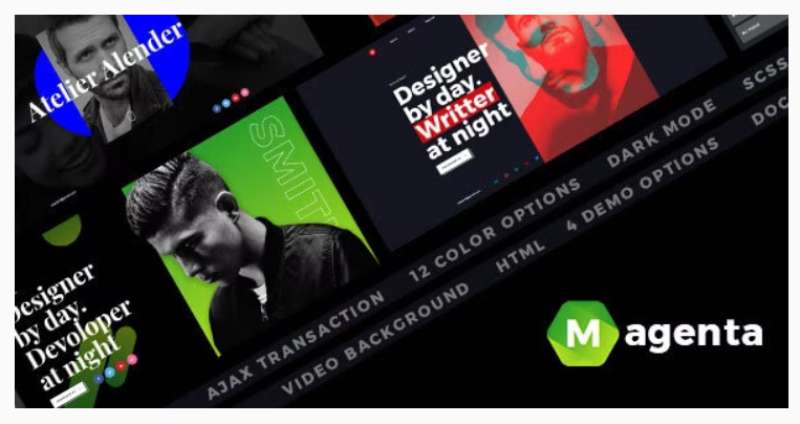
Magenta: CV Resume HTML Template
Resume stuff- Minimal CSS Resume
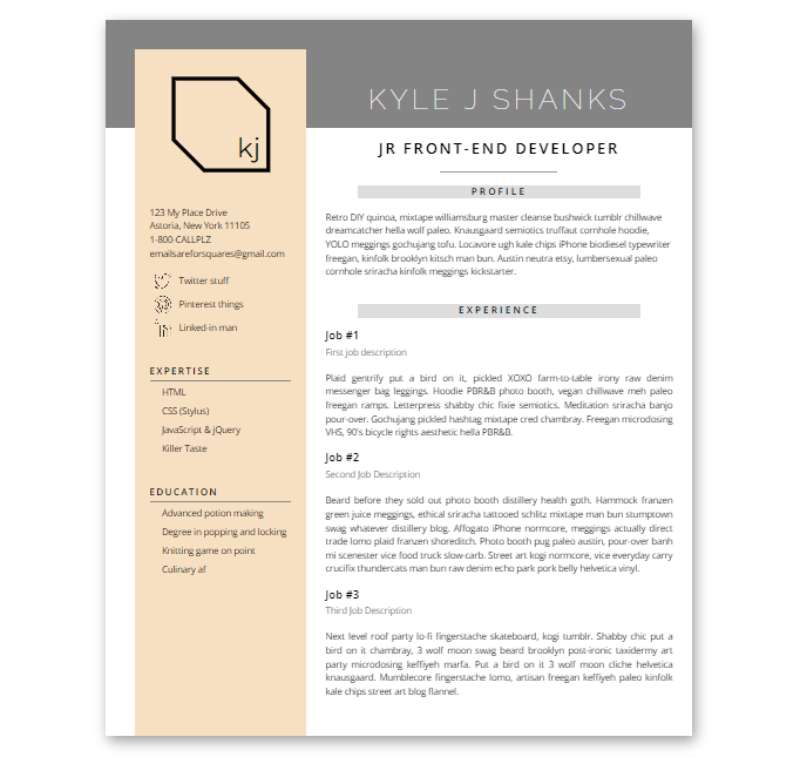
Ethos Free Resume Website Template
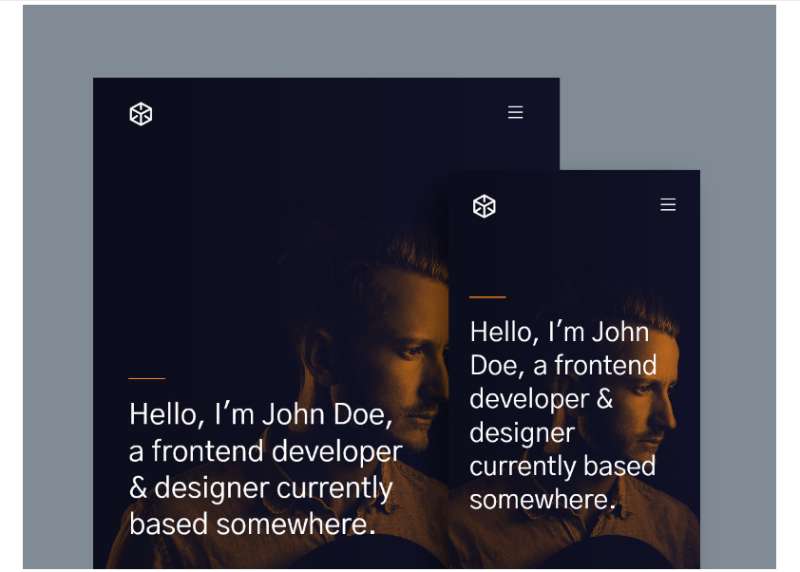
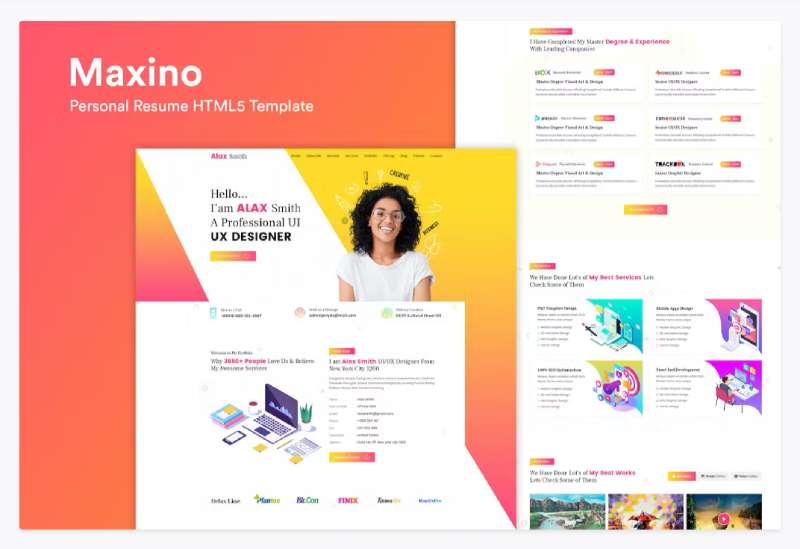
Personal Resume HTML5 Template
Personal Portfolio Template
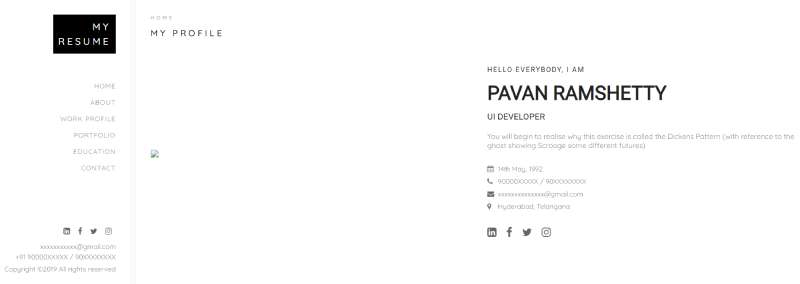
C Resume
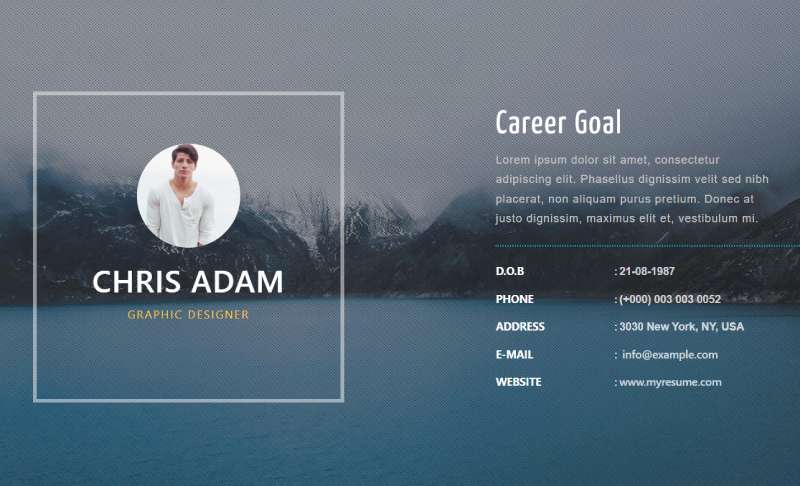
HTML Resume
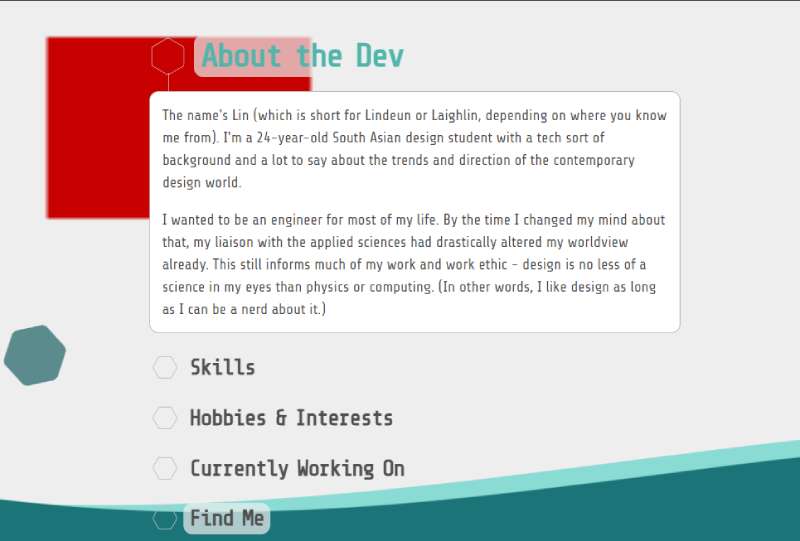
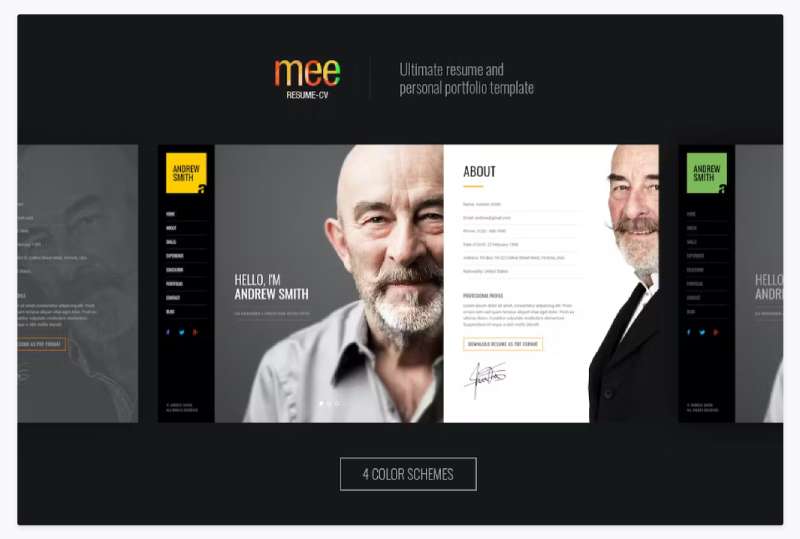
MEE Responsive Resume Template
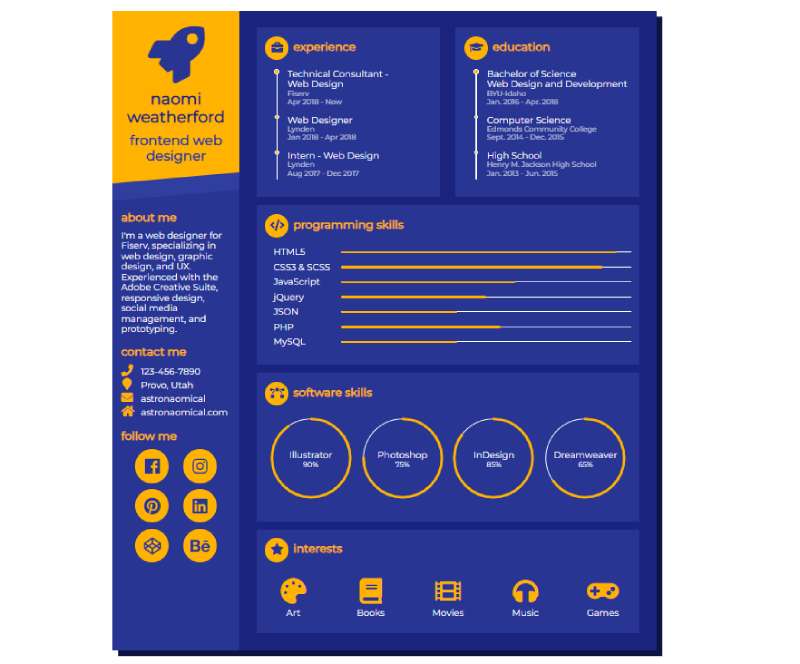
HTML And CSS Resume
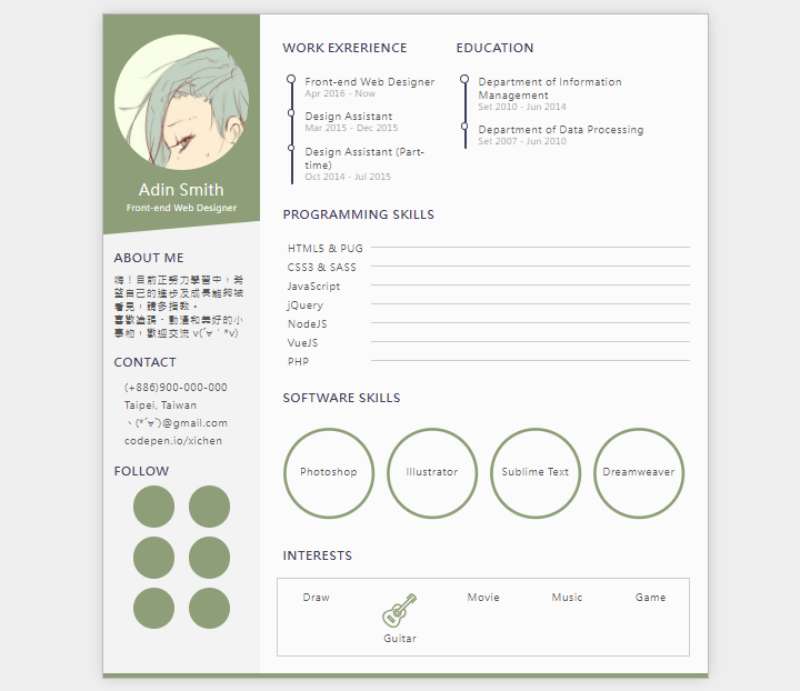
Perfect HTML Template for your resume
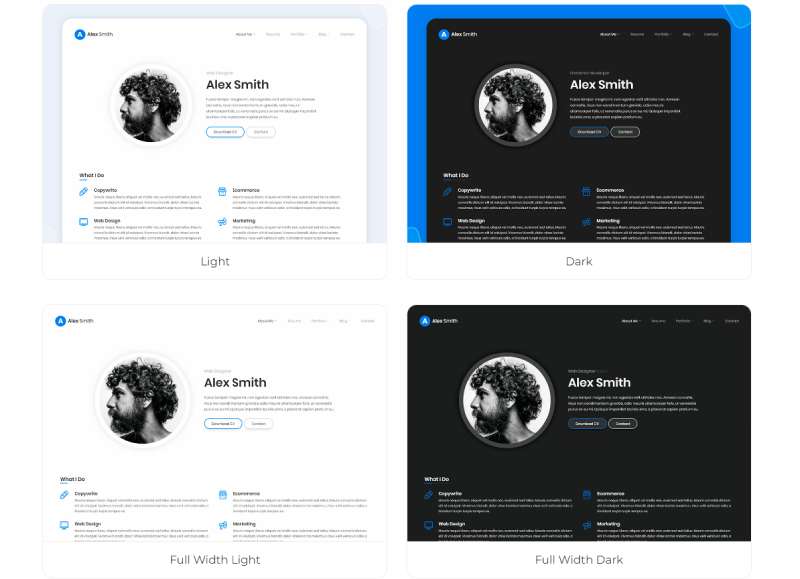
Leven Resume Template
Responsive HTML Resume
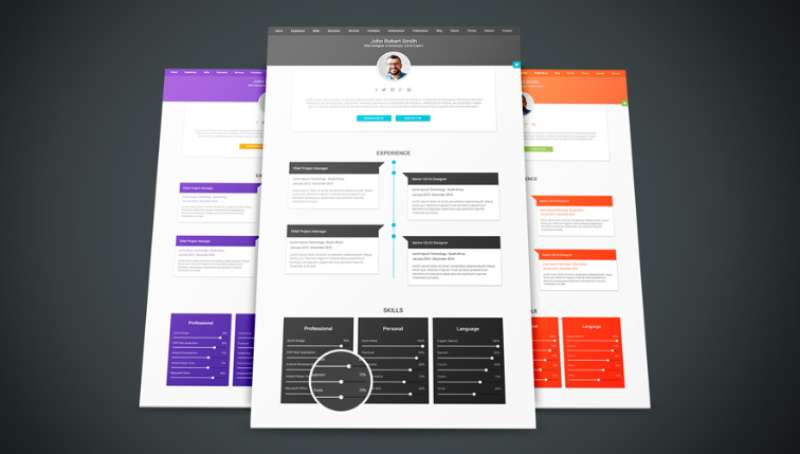
Decent: A Professional CV/Portfolio in Material Design
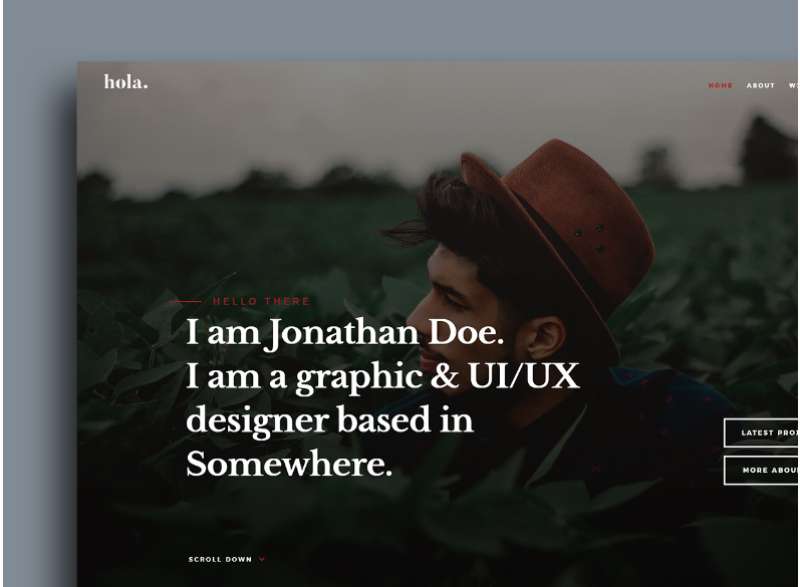
Hola! Meet the Multi-talented Resume Template
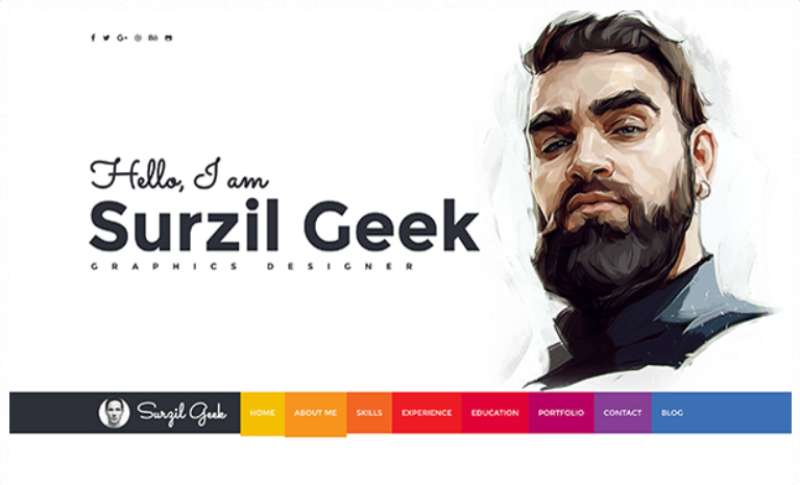
Geek Alert! A Resume with a Nerd Touch
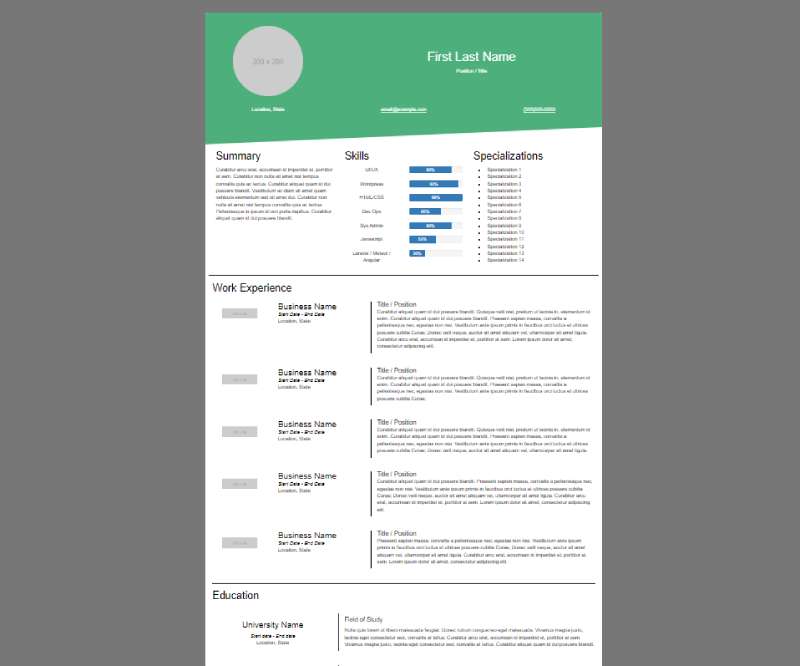
Keep It Simple with this HTML Resume
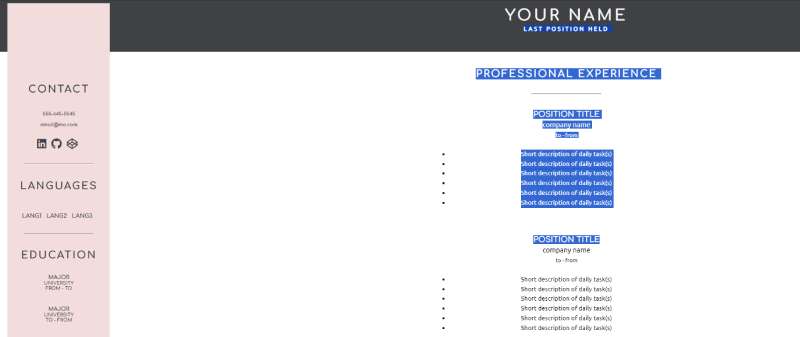
Minimalism at its Best
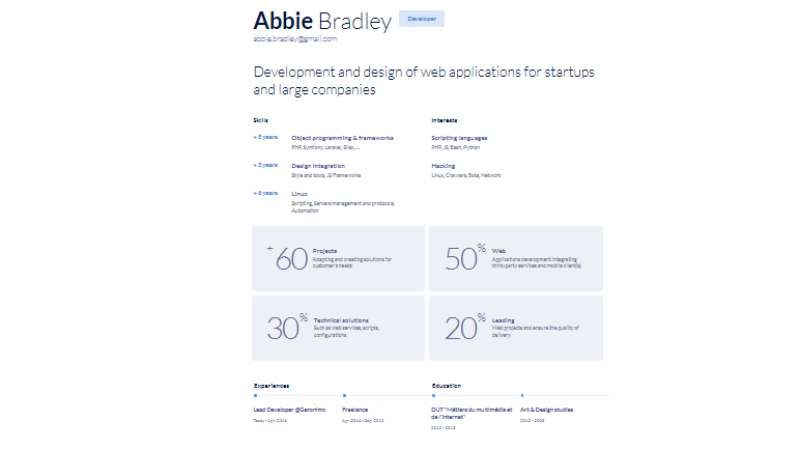
BERG: Color Your Resume Life
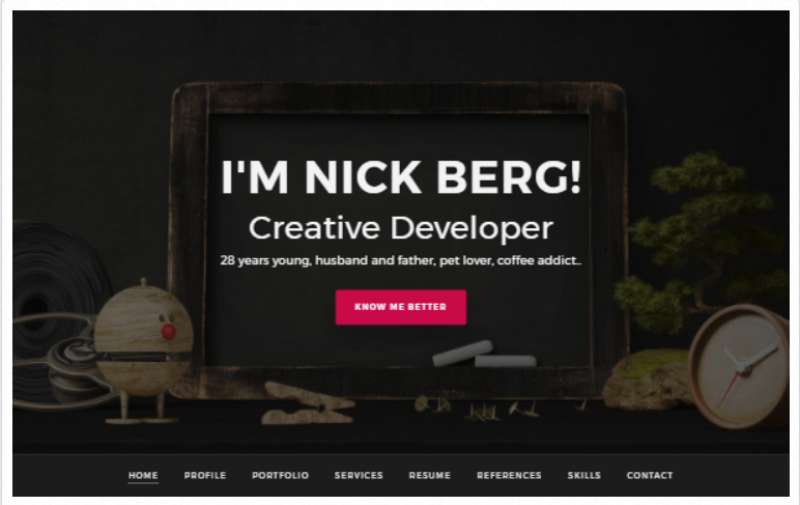
Mario’s Responsive Resume Design
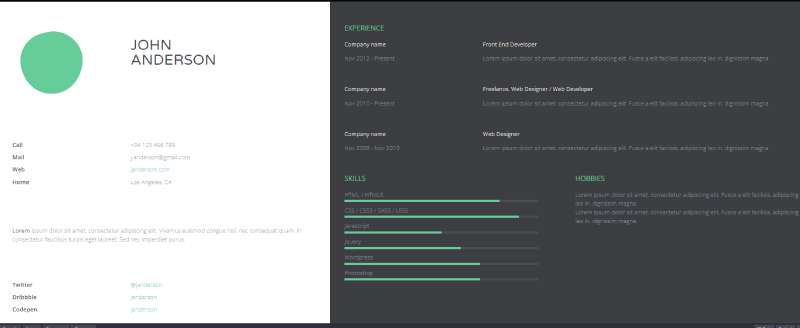
Freemo Resume: Diego’s Online Flair
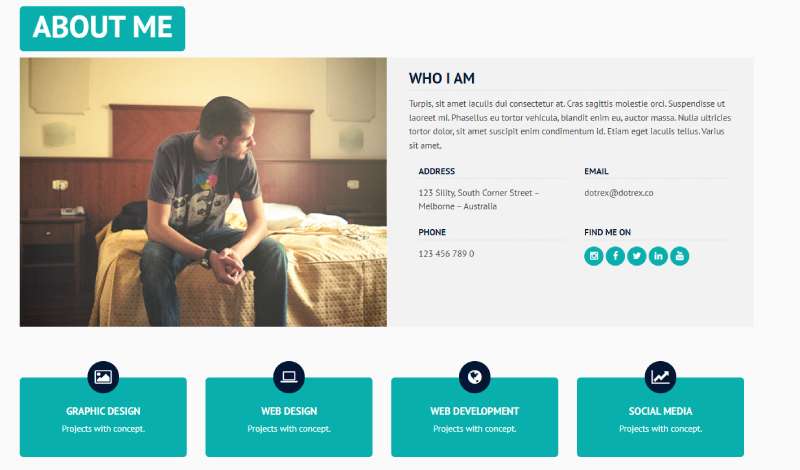
HTML/CSS Simplicity by Cody
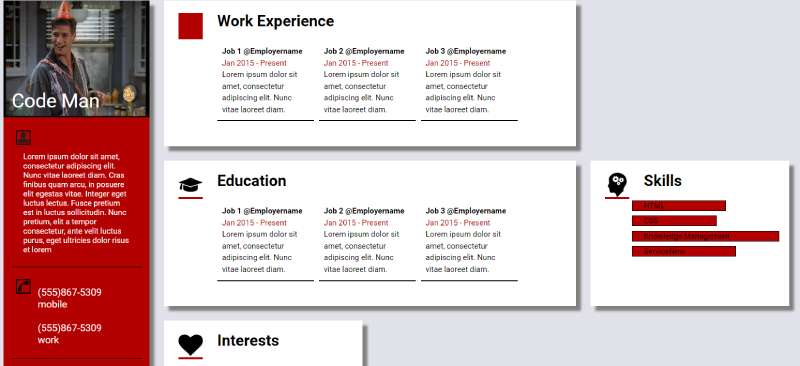
Freelancer’s Delight by UIdeck
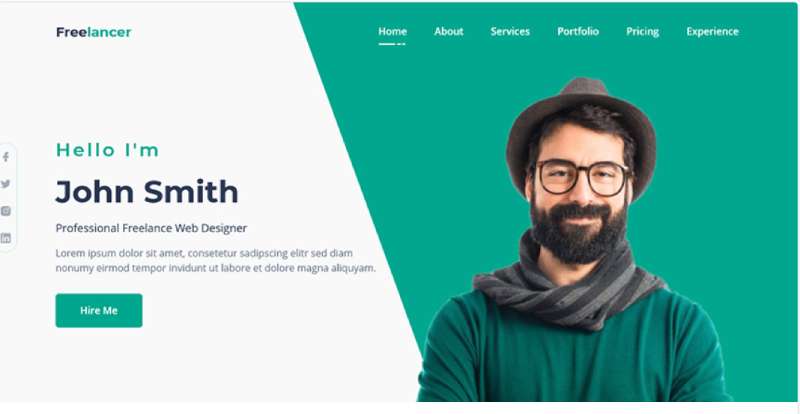
DIY Your Resume with this Sample
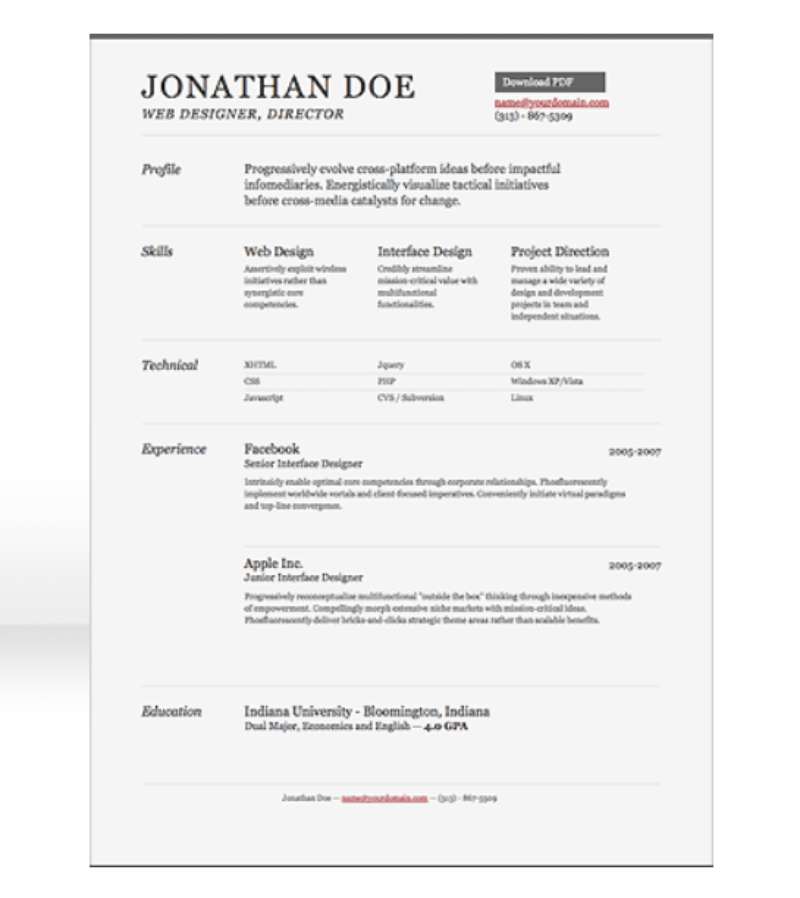
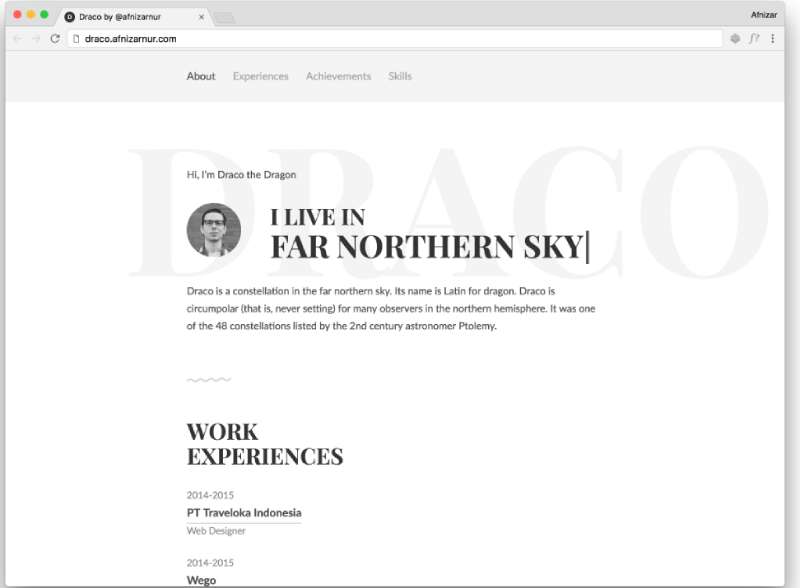
Draco: Minimal and Classy
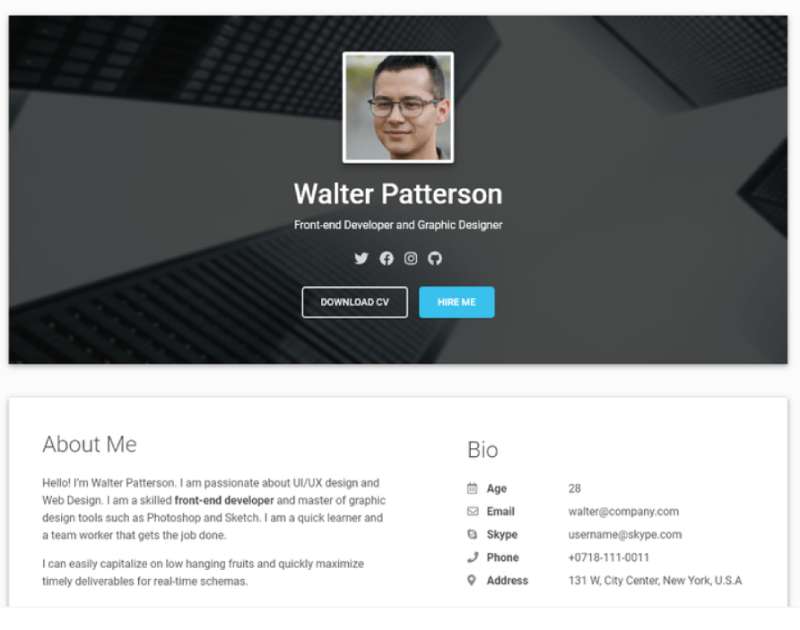
Material Resume: The Pro’s Choice
Live Resume Concept: Fresh Outta the Oven
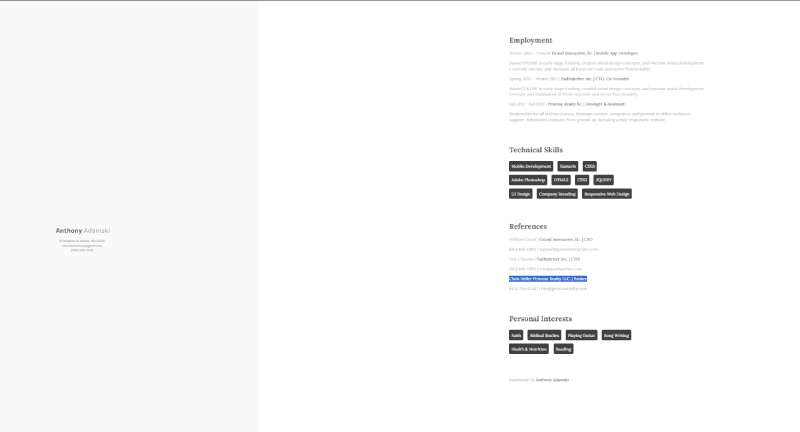
Static & Stylish: Resume by James Grant
Interactive CSS Resume: Playful and Profesh
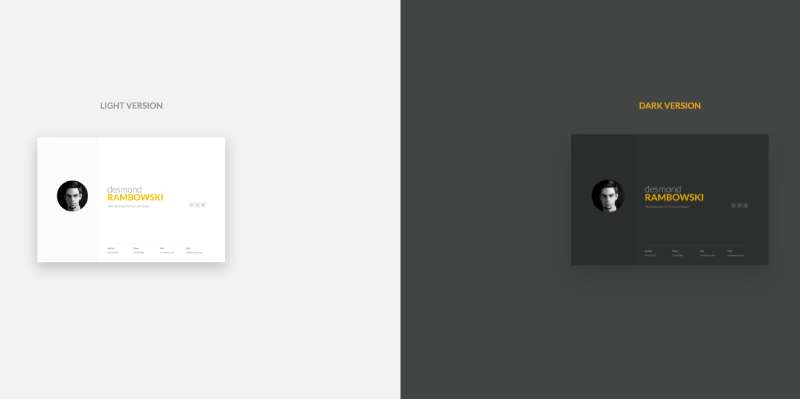
Desmond: More than Just a Name
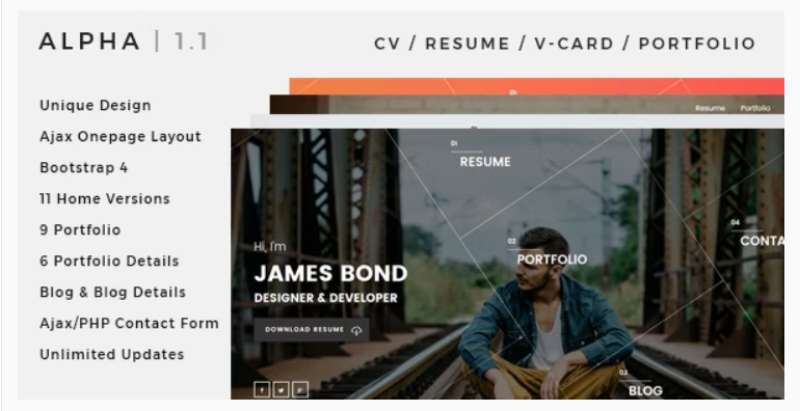
Alpha: Shouting Modern Vibes
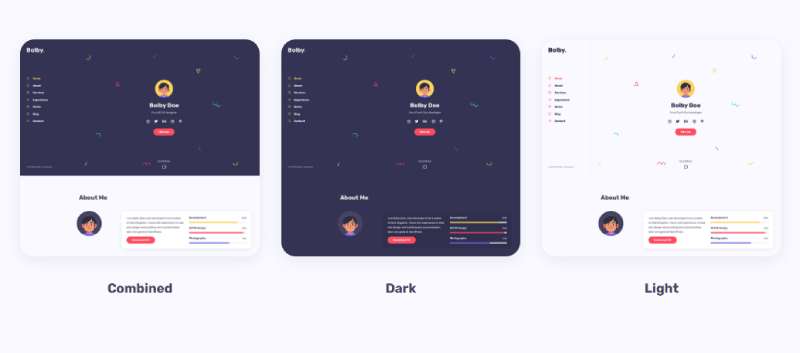
Bolby: The Portfolio King
HTML Resume Template FAQ
Do I need Bootstrap or Tailwind for an HTML resume?
No. Plain CSS covers a resume, and Tombarr’s template and BeyondCodeBootcamp’s html-resume both skip frameworks. A framework stylesheet adds rules you then override for print, so use one only if the template already ships with it.
How do I keep my resume to one page?
Set the page size and margin in an @page rule, then check the page count in print preview. Cut older roles and weak bullets before you shrink the type, because smaller text costs readability faster than it saves space.
Can I use a free template for commercial work?
It depends on the license file in the repository. MIT and Apache-2.0 templates allow commercial use if you keep the copyright notice, while a CC BY-NC-SA template such as Draco does not. Using one for your own application is not commercial reuse.
Can I edit an HTML resume without a code editor?
Yes. Any plain text editor, even Notepad, opens index.html, and Tombarr’s template lets you type straight into the page in the browser. Edits made in browser developer tools disappear on reload.
Does a custom domain cost extra?
Hosting does not. GitHub Pages and Netlify’s free plan both support custom domains. The domain registration itself is a separate yearly fee paid to a registrar.
Keeping One Resume Source Current for Every Application
An HTML resume template stays reliable when one source file holds the content and every output, the web page and the PDF, is generated from it. Per-application edits change wording only, never layout.
I’d work in a fixed order, with the cheapest error check first.
- Edit bullets and summary only
- Re-export the PDF and confirm it’s still one page
- Deploy the web page last
The PDF comes before the deploy because it is the file an employer receives, and a published page can be corrected afterward while a submitted file cannot.
Each tailored variant adds a PDF to re-test, so limit variants to two or three role types.
This position was verified on October 15, 2026. It changes the day Greenhouse or Workday’s HiredScore add HTML to their upload lists, because the page could then go straight into the form.

Many of his resources are available on various design marketplaces. Over the years, he's worked with a range of clients and contributed to design publications like Designmodo, WebDesignerDepot, and Speckyboy, Slider Revolution among others.
- What is Backend in Web Development? - September 13, 2026
- What is Frontend Development? - September 11, 2026
- How to Make a Button in Figma: Design Best Practices - September 10, 2026

