Author: Bogdan Sandu

Every web application splits into two halves. There’s the part you can see and click, and there’s the part doing the actual work somewhere…

Right-click a page, choose View Source, and what fills that window is frontend. It renders in the browser and reacts when someone clicks, types,…

Most files I open have three or four buttons that look identical and share nothing. Same blue, same 8 pixel radius, same label. Somebody…

Select a group, press Ctrl+Shift+G, and the wrapper is gone. The layers that were sitting inside it stay exactly where they were, same coordinates,…
Ask the W3C or WHATWG what HTML is and the answer comes back the same. It’s a markup language, which means it structures a…

Figma Design has no table tool. There’s a frame tool, a rectangle, a text tool, and then nothing that draws a grid of cells…

Figma keeps the conversation inside the file. You can type a message that trails your cursor, pin a comment to a frame, or open…

Figma handles superscript through a dropdown called Position, sitting inside the Details tab of the type settings panel. Select a character, pick Superscript, and…

Use our PX to REM converter to easily switch between pixel and REM units for responsive web design. Simplify your CSS font sizing today.…

Easily convert REM to PX with our online REM to PX Converter. Perfect for web designers and developers looking to ensure responsive and accessible…

Figma handles image export on its own. Select a frame, layer, or page, choose a format, and you get a PNG, JPG, SVG, or…

The setting that controls this lives in Figma’s Share prototype panel. Not a plugin, not an export, not a third party viewer. What you’re…

html Deleting something in Figma is one keystroke. The tricky part is being sure the thing you clicked is the main component and not…
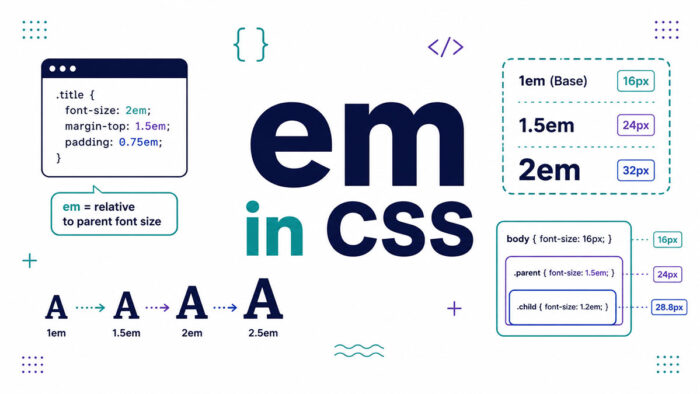
You set a font size, nest a few elements, and suddenly your text is twice the size you wanted. That mess usually traces back…
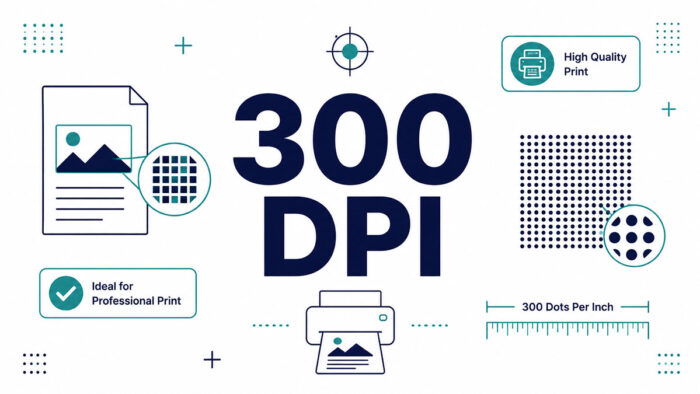
Your design looked flawless on screen. Then the print shop sent it back: low resolution, needs 300 DPI. That rejection trips up a lot…

What Is Figma The tool itself is a browser-based interface design and prototyping app. Nothing has to be installed unless you want the desktop…
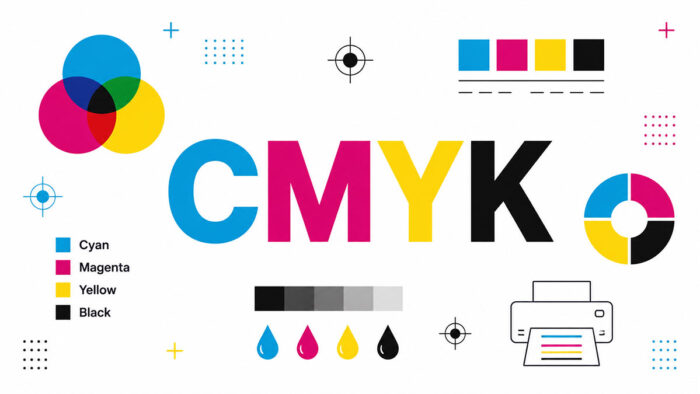
Design a bright blue logo on your screen, send it to print, and watch it come back looking flat. That gap is where CMYK…

A component is an element you build once and reuse everywhere. Figma keeps the original, called the main component, and every copy you drop…
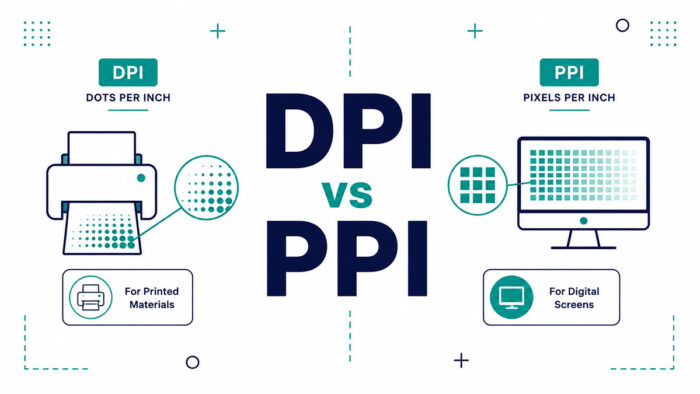
Send a beautiful photo to a printer and get back a blurry mess. The culprit is almost always a mix-up in the DPI vs…
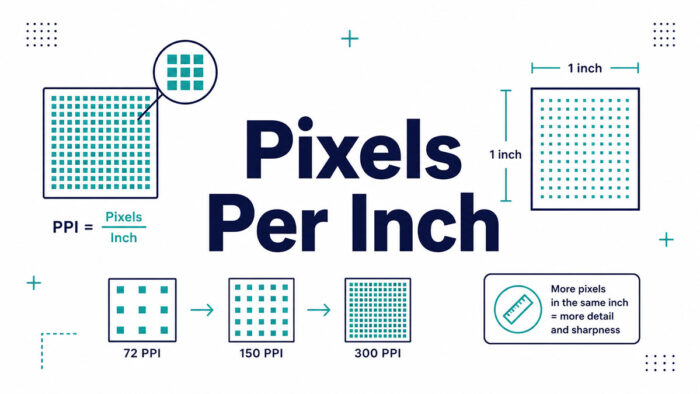
Ask a designer how many pixels in an inch, and you won’t get one number back. You’ll get a question in return: on a…
Every web designer knows the moment. The layout is finished, the typography is dialed in, and the client loves everything except the hero image,…
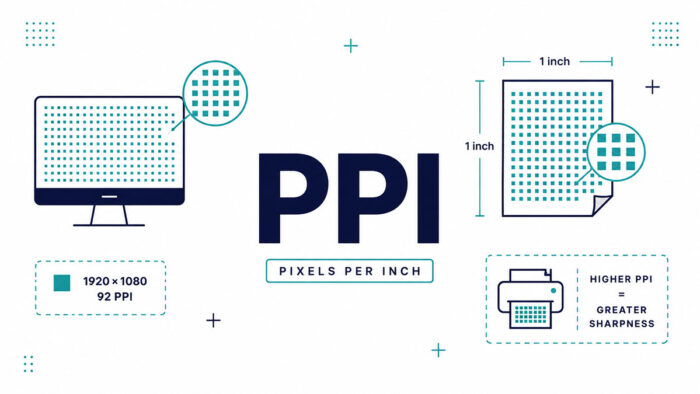
Your photo looks razor sharp on your phone, then prints blurry and pixelated. The gap between those two moments has a name. Understanding PPI…
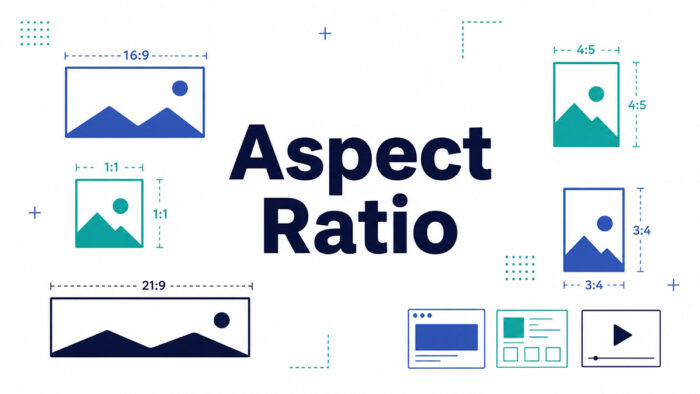
Every screen you look at has a shape, and that shape has a name. If you have ever cropped a photo for Instagram or…
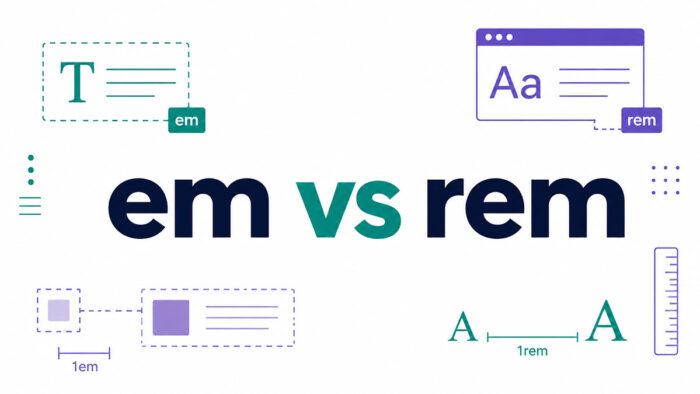
Two CSS units. One letter of difference. A surprising amount of confusion. The em vs rem question trips up developers daily, because both are…

The toggle sits next to the Share button in the top right. Click it and you’re back in Design Mode. That’s the whole answer…
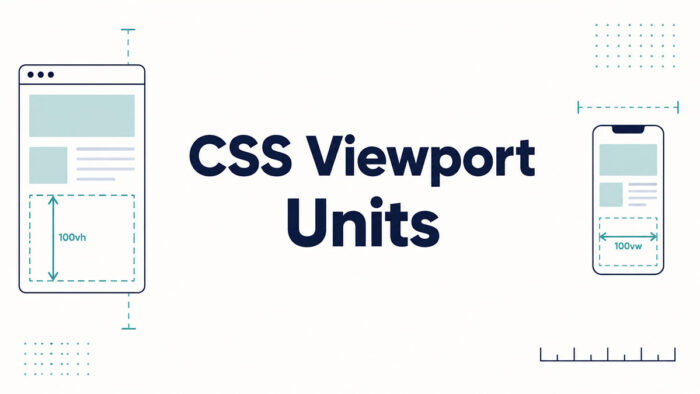
You set an element to 100vh, it looks perfect on your laptop, then a phone chops the bottom off. Welcome to CSS viewport units.…

The setting lives in the Prototype tab, inside a dropdown labeled Position. That’s the part that trips people up, because most designers go hunting…
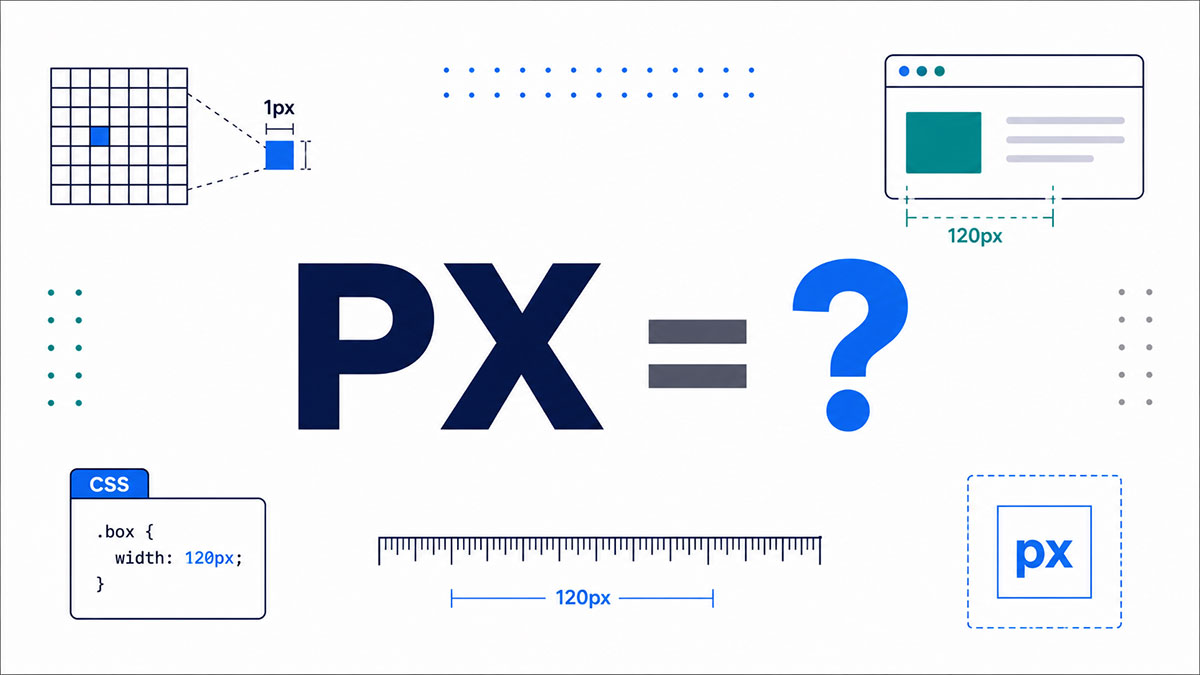
You’ve typed it a hundred times. font-size: 16px, margin: 8px, width: 320px. But stop for a second: what does px stand for, and why…
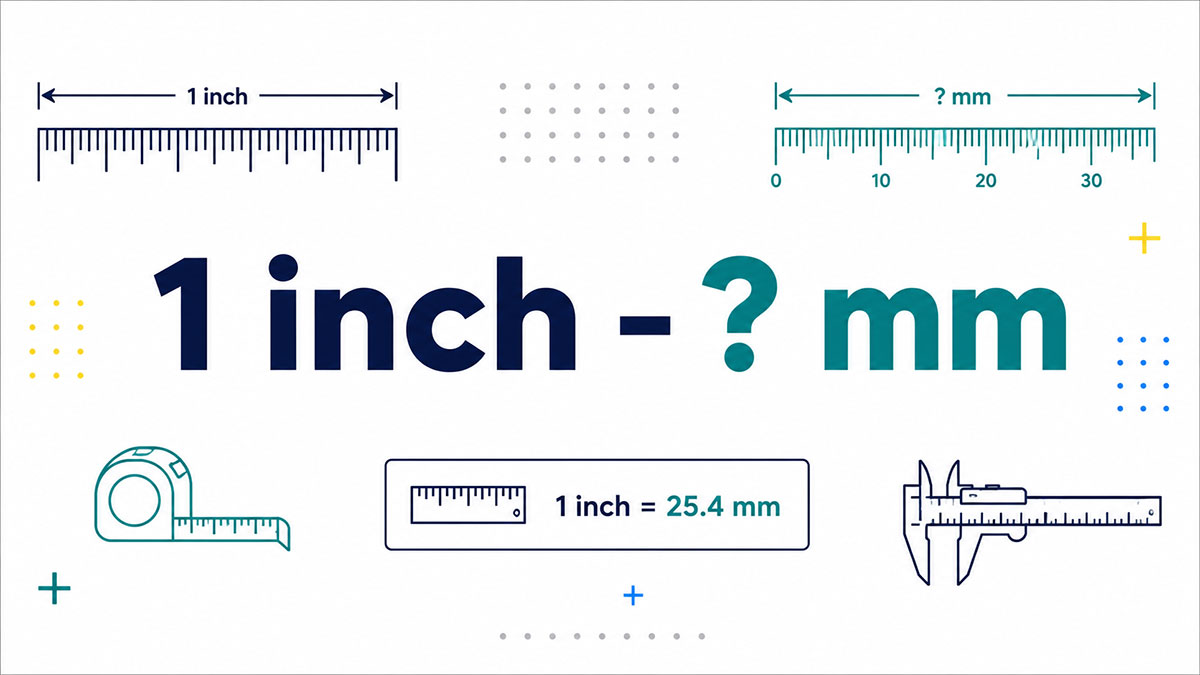
You measure something in inches, then the spec sheet in front of you is written in millimeters. Now what? The short answer: one inch…
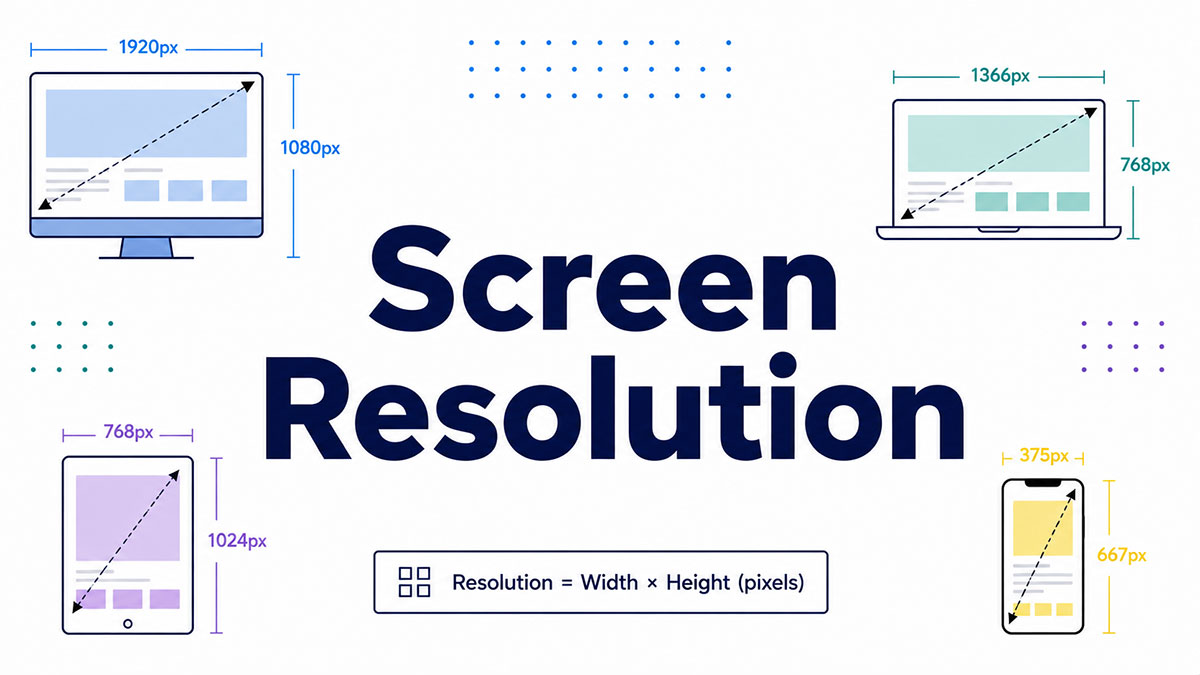
Two screens can carry the exact same specs on paper and look nothing alike in person. The reason usually comes down to one number.…